
Website Design की 8 गलतियाँ जो Customer Enquiry का रास्ता मुश्किल बनाती हैं
Website DesignWebsite attractive है लेकिन customer को contact, price process या सही service नहीं मिलती? Mobile layout और enquiry journey की इन 8 गलतियों को पहले जाँचें।

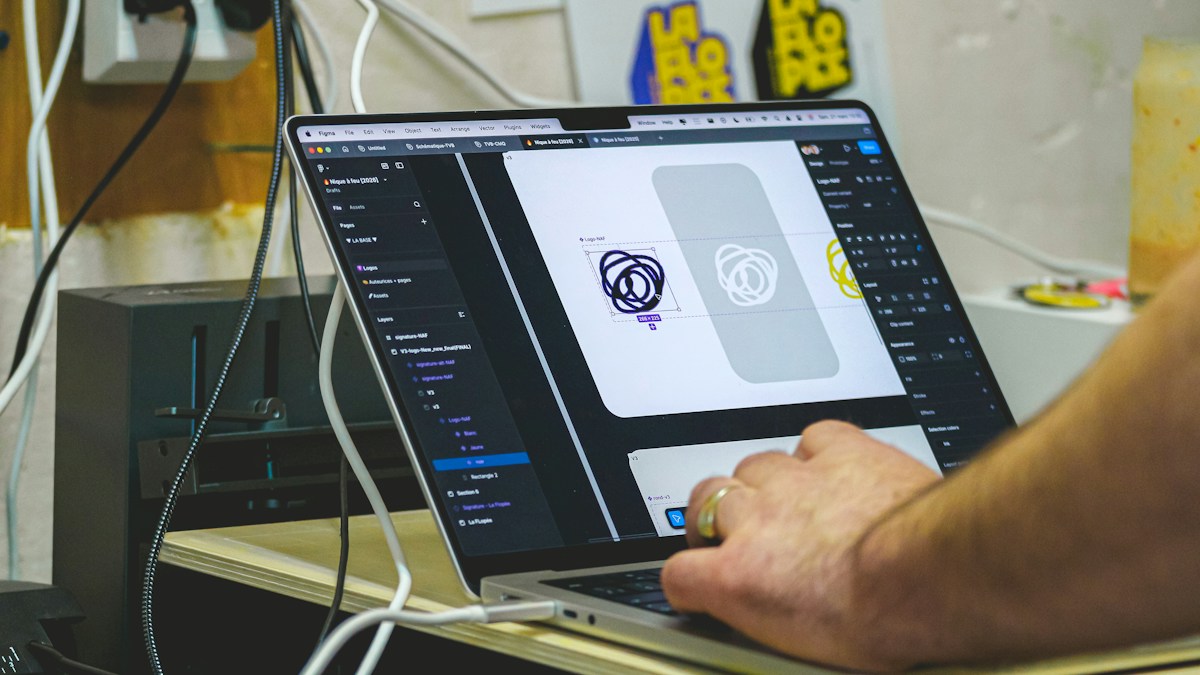
Representative website-work photograph; not a screenshot of a conversion test. Photo: Dell / Unsplash
On this page
कभी website दिखने में अच्छी होती है, फिर भी enquiry भेजने का छोटा काम लंबा बन जाता है। कारण हमेशा traffic की कमी नहीं है। बड़ा banner, अस्पष्ट button या गलत page पर खुलता ad customer को बीच में रोक सकता है। इन आठ checks को अपने phone पर करके शुरुआत करें।
1. पहले screen पर काम की बात नहीं है
Homepage खोलते ही animation और generic slogan दिखें, लेकिन business क्या करता है यह नीचे मिले, तो copy और layout दोनों देखें। एक साफ service statement, actual coverage और relevant next step पहले मिले। हर जरूरी बात को slider की आखिरी slide में न छिपाएँ।
2. Ad और landing page अलग promise करते हैं
Ad किसी specific repair या package का है, लेकिन click के बाद general homepage खुलता है। Customer को दोबारा search करना पड़ता है। Google Ads की landing-page guidance ad, keywords और destination की relevance तथा easy navigation पर जोर देती है। अपने campaign का promise page पर आसानी से मिलना चाहिए।
3. तीन अलग buttons एक ही काम जैसे लगते हैं
“Get started”, “Explore” और “Learn more” साथ रख दिए, लेकिन कोई नहीं बताता आगे क्या होगा। Button text में action स्पष्ट करें: quotation माँगें, appointment की enquiry करें या package details देखें। जिस button से form खुलेगा उसे payment या booking confirmation की तरह न दिखाएँ।
4. Form बहुत कुछ पूछता है
पहली enquiry में address, budget, document upload और कई optional सवाल अनिवार्य कर देना कुछ customers का काम बढ़ा सकता है। Sales team से पूछें कि callback शुरू करने के लिए वास्तव में क्या जरूरी है। बाकी details बाद के conversation में ली जा सकती हैं।
5. Phone पर controls छोटे या ढके हैं
Sticky WhatsApp button, cookie bar और ads मिलकर submit button ढक सकते हैं। Smaller phone पर पूरा flow चलाएँ। Text readable हो, controls tap किए जा सकें और sideways scroll के बिना form पूरा हो। सिर्फ desktop screenshot approve करना पर्याप्त नहीं।
6. Photos customer को गलत impression देती हैं
Stock office को अपना office बताना या दूसरे product की photo लगाना trust को नुकसान पहुँचा सकता है। असली work photos की अनुमति और context जाँचें। Placeholder image रह गई हो तो उसे actual photo या साफ labelled representative image से बदलें।
7. Charges का process समझ नहीं आता
हर service में fixed price संभव नहीं, लेकिन estimate कैसे मिलेगा यह बताया जा सकता है। Inspection, design scope या delivery से amount बदलता है तो उसका process स्पष्ट करें। “Starting from” amount का scope छिपा देना customer की confusion बढ़ाता है।
8. Submit के बाद customer को जवाब नहीं मिलता
Form success दिखाता है, पर message staff तक नहीं पहुँचा। Test enquiry भेजकर inbox, notification और callback की जिम्मेदारी जाँचें। Customer को expected response process बताएं; जो समय team पूरा नहीं कर सकती उसका promise न करें।
Frequently Asked Questions
क्या इन changes से conversion rate जरूर बढ़ेगा?
कोई guarantee नहीं। Before-and-after comparison में relevant traffic, working forms और qualified enquiries को साथ देखें।
क्या पूरा redesign जरूरी है?
नहीं। पहले उन issues को ठीक करें जिनसे customer का काम रुक रहा है। Cosmetic changes बाद में plan किए जा सकते हैं।
क्या ज्यादा buttons बेहतर हैं?
जितने meaningful actions जरूरी हों उतने रखें। Repeated competing buttons से clarity कम हो सकती है।
Article at a glance
- Written by
- Neha Verma
- Published
- 26 Oct 2026
- Reading time
- 4 minutes
- Topic
- Website Design
Read More Blogs

Shared Hosting पर पहली Business Website: Plan लेने से पहले क्या पूछें?
सस्ती hosting का offer देखकर जल्दी payment न करें। Renewal, backups, support, domain ownership और migration की checklist से पहली business website की तैयारी करें।

Website Live होने के बाद क्या करें? Business owners की Post-Launch Checklist
नई website खुल रही है, लेकिन क्या enquiry भी पहुँच रही है? Forms, mobile pages, indexing, backups और ownership की post-launch checklist से पूरा handover लें।
Top 10 Website Design Companies in Delhi: enquiry वाली website का सही brief कैसे बनाएं?
Delhi की website-design companies की listings और उपलब्ध contact numbers देखें। Enquiry flow, content, project scope और handover की practical checklist से अपनी जरूरत के हिसाब से team चुनें।
Be the first to share your thoughts.
Comments 0