
No-code Website Builder: आसान editing के साथ किन बातों की जाँच करें?
Website DesignTemplate चुनने से पहले forms, mobile layout, content export और account ownership समझें। छोटे business की website के लिए practical builder checklist पढ़ें।
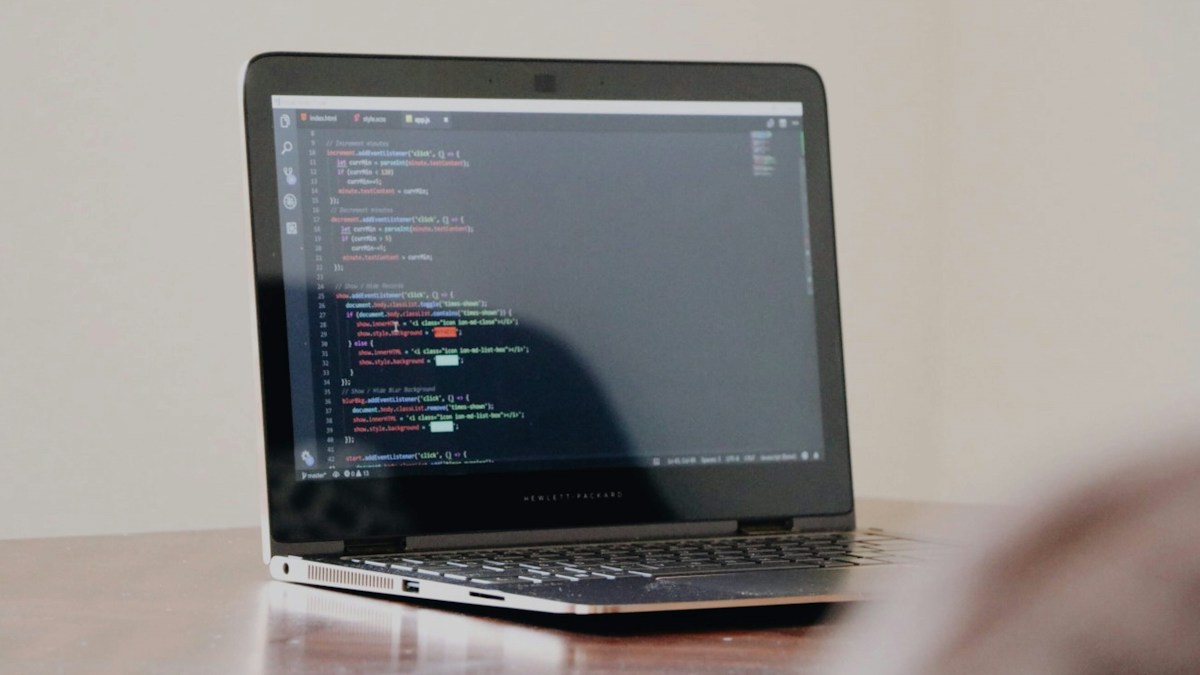
Representative image: learning to code. Photo: Dawit / Unsplash
On this page
Website का text बदलना अब कई tools में document edit करने जैसा महसूस हो सकता है। Heading चुनिए, photo लगाइए और preview देख लीजिए। लेकिन editing आसान होने और पूरी business website तैयार होने में फर्क है। Customer enquiry, mobile behaviour, account ownership और future migration की जरूरतें भी उसी निर्णय का हिस्सा होनी चाहिए।
पहले website के काम लिखें
क्या website सिर्फ business information दिखाएगी या appointments, payments और customer accounts भी होंगे? कौन-सी चीज launch पर जरूरी है और कौन-सी बाद में आ सकती है? Builder की attractive demo देखकर अपनी actual requirements भूलना आसान है।
एक illustrative example में Jaipur का tailoring business services और appointment enquiries दिखाना चाहता है। शुरुआत में simple pages और monitored form पर्याप्त हो सकते हैं। अगर आगे order tracking और customer measurements संभालने हैं, तो privacy और application requirements अलग review होंगी। Template का अच्छा दिखना इन सुविधाओं की readiness साबित नहीं करता।
Editor की सुविधा को वास्तविक काम पर test करें
WordPress block editor documentation block-based content editing का उदाहरण समझाती है। दूसरे builders के interfaces और capabilities अलग हो सकते हैं। Marketing demo के बजाय अपना एक वास्तविक page edit करके देखें।
Heading बदलें, image replace करें और एक long business name डालें। Mobile preview में देखें कि layout टूट तो नहीं रहा। Staff बिना developer की मदद कौन-से changes सुरक्षित कर पाएगा, उसकी छोटी list बनाएं। हर editable option सभी users को देना जरूरी नहीं है।
Forms और next step की जाँच
Form पर submit दबाने के बाद क्या message आता है? Enquiry सही inbox या dashboard में पहुँचती है? Required fields और errors समझ आते हैं? केवल visual form block लग जाने से end-to-end enquiry process पूरा नहीं होता।
- Mobile से वास्तविक test enquiry भेजें।
- Staff तक notification और data delivery मिलाएँ।
- Spam protection और server-side checks समझें।
- Customer को false booking confirmation न दिखाएँ।
- Personal data कहाँ रहता है, इसकी जिम्मेदारी तय करें।
Content export और पूरी website export अलग हैं
WordPress.com की export guidance content export का scope समझाती है। Export file मिलने को सभी themes, custom design और functionality सहित ready-to-run website मिलना न समझें। जिस platform पर विचार हो, उसके exact export और migration options पढ़ें।
Provider बदलने की जरूरत पड़े तो domain, pages, images और customer data कैसे जाएँगे? Custom features दोबारा बनवाने होंगे या नहीं? इन सवालों का जवाब खरीदने से पहले लेना बाद में कम परेशानी पैदा कर सकता है।
Ownership और recurring cost देखें
Domain और platform account किसके नाम पर होंगे? Renewal contact कौन संभालेगा? Business email, plugins, booking tools और paid add-ons अलग खर्च हो सकते हैं। केवल introductory price को पूरी annual cost न मानें।
Agency website बना रही है तो handover में roles, recovery और documentation दें। Owner को रोज design बदलना जरूरी नहीं, लेकिन authorised control और access की स्थिति स्पष्ट होनी चाहिए।
Launch checklist में क्या शामिल करें?
Important pages के direct URLs खोलें। Phone, website links, forms और menus test करें। Titles और descriptions वास्तविक content से मिलें। Images के rights और accessible text का review करें। Performance और security की जरूरतें platform label से अपने आप पूरी मानना ठीक नहीं।
Changes और acceptance की छोटी sheet रखें। Complex integration की जरूरत है तो developer से suitability review लें। No-code और custom work के बीच चुनाव business requirements का है; हर project को एक ही tool में फिट करना जरूरी नहीं। [Website design review guide](/blogs/website-design-mistakes-enquiry-conversion-hindi) launch के पहले उपयोगी checks देती है।
Frequently Asked Questions
क्या no-code website में technical maintenance नहीं होती?
Platform कुछ काम संभाल सकता है, लेकिन access, integrations, data और updates की जिम्मेदारी समझनी होगी।
क्या content export मिलना पूरा backup है?
नहीं मानें। Export में क्या शामिल है और restore या migration कैसे होगा, verify करें।
क्या business owner खुद text बदल सकता है?
Suitable roles और editing workflow हो तो कई routine updates सम्भव हो सकते हैं। Actual setup पर test करें।
Article at a glance
- Written by
- Neha Verma
- Published
- 26 Oct 2026
- Reading time
- 4 minutes
- Topic
- Website Design
Read More Blogs
Business Domain कैसे चुनें? .com, .in, .tech और .store का practical comparison
Domain चुनते समय SEO promises से आगे देखें। नाम की spelling, renewal cost, ownership और customer confusion जाँचने की आसान business checklist।

Shared Hosting पर पहली Business Website: Plan लेने से पहले क्या पूछें?
सस्ती hosting का offer देखकर जल्दी payment न करें। Renewal, backups, support, domain ownership और migration की checklist से पहली business website की तैयारी करें।
Website Design की 8 गलतियाँ जो Customer Enquiry का रास्ता मुश्किल बनाती हैं
Website attractive है लेकिन customer को contact, price process या सही service नहीं मिलती? Mobile layout और enquiry journey की इन 8 गलतियों को पहले जाँचें।
Be the first to share your thoughts.
Comments 0