
Best Laptop: processor name से पहले workload, ports और upgrade देखें
Information TechnologyLaptop खरीदने के लिए exact configuration, real portability, software compatibility और service support जाँचें। Student, office और creative use का practical guide।

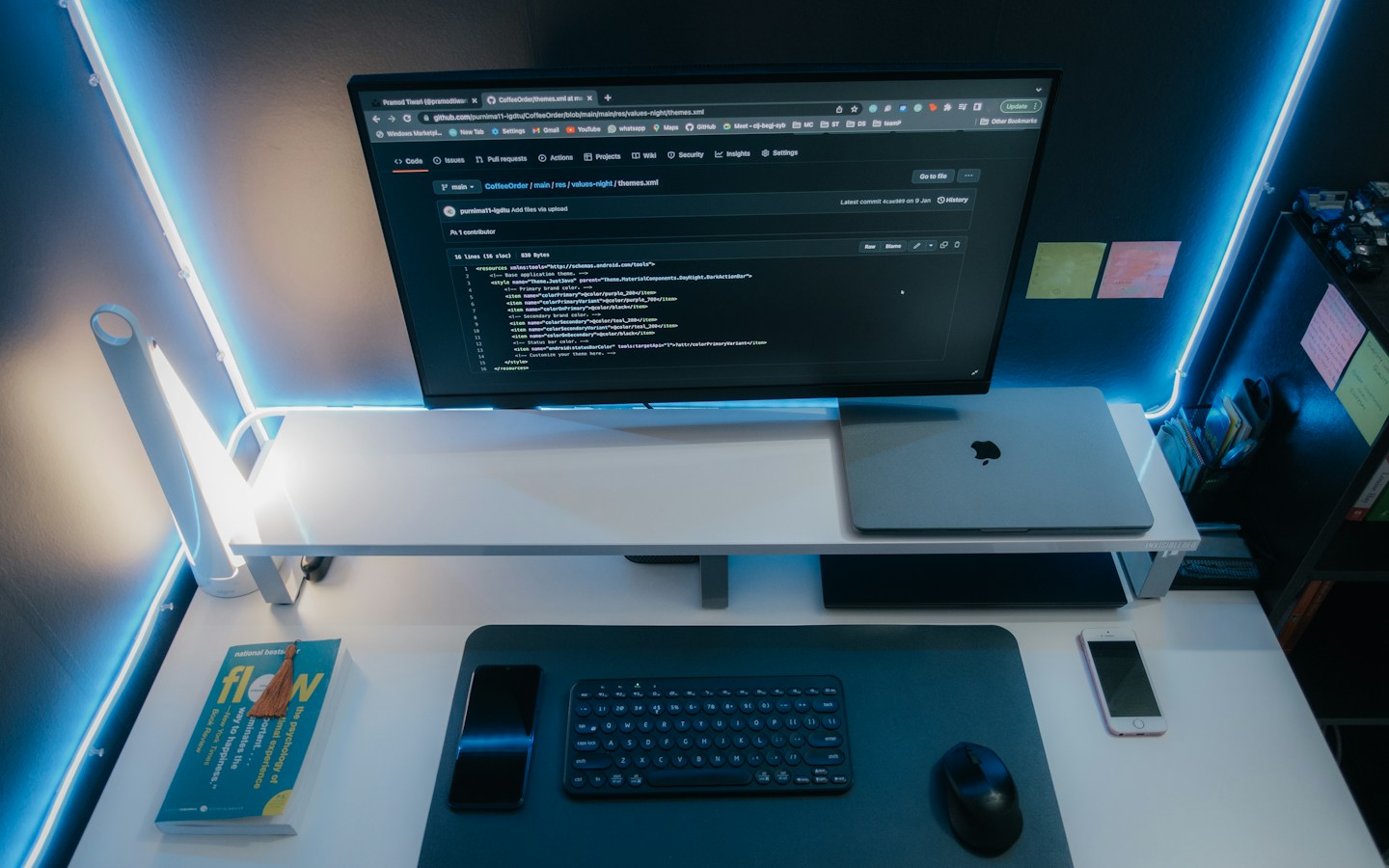
Representative workspace photograph; यह current recommended laptop, benchmark या tested battery result नहीं है. Photo: Robert Torres / Unsplash
On this page
दो laptops पर एक जैसा processor family name लिखा है, लेकिन बाकी configuration और chassis अलग हैं। केवल उस label के आधार पर दोनों को समान performance या usability वाला मानना ठीक नहीं। अपने काम की सूची से शुरुआत करें।
यह selection guide है, market के सभी laptops का reviewed ranking नहीं। Prices, model variants और local support बदल सकते हैं; खरीदने से पहले exact SKU की official information और seller terms देखें।
Workload की छोटी list
Microsoft की PC buying guide अलग user needs के अनुसार specifications देखने का संदर्भ देती है। अपनी list में simultaneous apps, file sizes और required software लिखें। केवल “student” या “business” label बहुत broad है।
Office use में browser, calls और spreadsheets हो सकते हैं; design course में specific graphics software जरूरी हो सकता है। Institution या employer की requirements उपलब्ध हों तो उनसे मिलाएं।
Exact configuration पढ़ें
RAM कितनी है और बाद में upgrade हो सकती है? Storage type और usable expansion क्या है? Processor का पूरा model और graphics configuration लिखें। एक product series के अलग variants में बड़ा फर्क हो सकता है।
16GB RAM और 512GB SSD सामान्य multitasking shortlist की चर्चा के starting points हो सकते हैं; यह हर workload का universal prescription नहीं। Heavy creative tasks के लिए software-specific guidance और credible tests देखें।
Carry करना और रोज इस्तेमाल करना
Laptop के साथ charger का weight भी सोचें। Keyboard, trackpad और display अपने normal use में देखें। Manufacturer battery claim की conditions पढ़ें; उसे अपनी all-day runtime की guarantee न मानें।
Webcam और microphone online meetings में जरूरी हों तो sample quality जाँचें। Touchscreen या foldable design पसंद आने के बावजूद essential work compatibility न छोड़ें।
Ports और software
External monitor, printer या existing accessories के connections की जरूरत लिखें। USB-C connector का shape देखकर हर display या charging feature उपलब्ध न मानें। Exact port capabilities देखें।
Different processor architecture या operating system चुनने पर business apps, drivers और peripherals की compatibility verify करें। “AI PC” label आपके सभी software की support या paid features की inclusion नहीं बताता।
Purchase और support
Final quote में OS/software licences, warranty type और accidental-cover की optional terms स्पष्ट हों। Imported variant और local warranty एक ही बात न मानें। Invoice और exact serial/model information रखें।
अपना relevant workload test कर सकें तो अच्छा; उपलब्ध न हो तो transparent review और return/support conditions ध्यान से पढ़ें।
Frequently Asked Questions
क्या सबसे नया processor ही best laptop बनाता है?
बाकी configuration, chassis, software और use साथ देखें।
क्या हर USB-C port same काम करता है?
नहीं। Exact port specifications जाँचें।
क्या यह fixed-budget model ranking है?
नहीं। अपनी shortlist और exact SKU evaluate करने की guide है।
Article at a glance
- Written by
- Aarav Sharma
- Published
- 04 Nov 2026
- Reading time
- 3 minutes
- Topic
- Information Technology
Read More Blogs
Best Desktop Configuration: office और creative काम के लिए build कैसे तय करें?
Desktop configuration में CPU name से आगे RAM, SSD, graphics, compatibility और support देखें। Office तथा creative workloads के लिए illustrative starting points।

Best Purchase Management Software: RFQ से receiving तक क्या test करें?
Purchase software में vendor quote, approvals, partial deliveries और order changes कैसे जाँचें? Odoo और Zoho documentation के साथ practical buying checklist।

Best Inventory Software: stock accuracy का demo कैसे लें?
Inventory software चुनते समय receiving, transfers, returns और stock adjustments test करें। Zoho Inventory की documentation से practical evaluation के सवाल समझें।
Be the first to share your thoughts.
Comments 0