
Best Desktop Configuration: office और creative काम के लिए build कैसे तय करें?
Information TechnologyDesktop configuration में CPU name से आगे RAM, SSD, graphics, compatibility और support देखें। Office तथा creative workloads के लिए illustrative starting points।
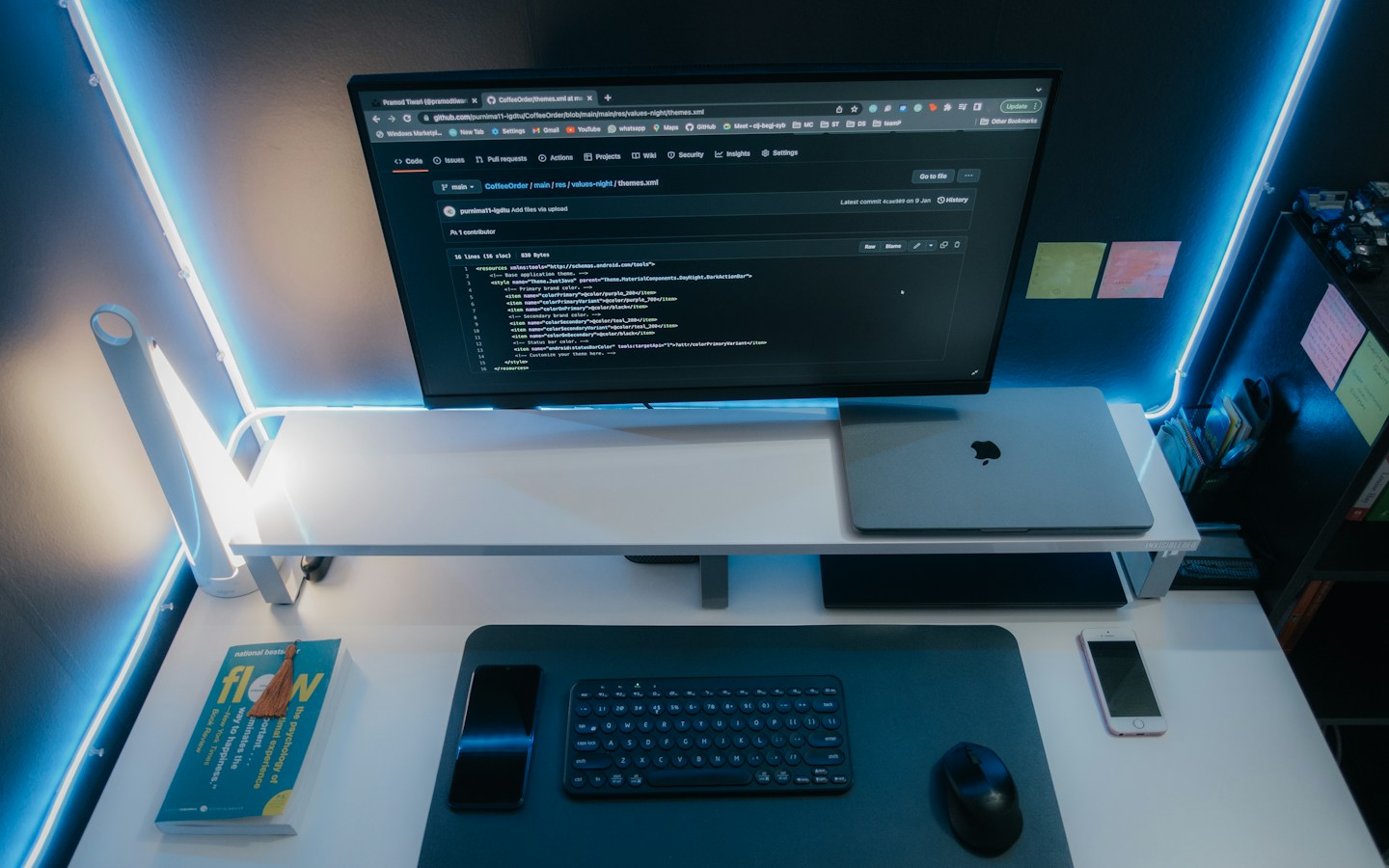
Archive computer-workspace photograph; यह इस article की illustrative Windows build या parts recommendation का image नहीं है. Photo: Pramod Tiwari / Unsplash
On this page
Computer quotation पर processor का नाम बड़ा लिखा है, लेकिन motherboard, storage और power supply की details गायब हैं। अच्छी desktop configuration पूरी compatible system से बनती है। एक impressive component बाकी कमजोर parts की जरूरत नहीं मिटाता।
नीचे की configurations illustrative starting points हैं, current priced builds या performance guarantees नहीं। Exact components की compatibility और आपके software की requirements qualified assembler से verify कराएं।
Operating system का आधार
Microsoft की Windows 11 requirements compatible processor, firmware और security-related requirements बताती हैं। Minimum installation requirement को comfortable workload recommendation न मानें। अपने application requirements अलग देखें।
पुराने parts reuse करने हों तो exact model compatibility confirm करें। केवल processor-brand sticker से supported configuration साबित नहीं होती।
Office-work starting point
Browser, documents और सामान्य business apps के लिए चर्चा की शुरुआत 16GB RAM, 512GB SSD और compatible current CPU/platform से कर सकते हैं। यह हमारा planning example है, हर office app के लिए guaranteed specification नहीं। अपने heavy spreadsheet या browser workload का demo लें।
Monitor, keyboard, networking और backup की जरूरत भी list में हो। All-in-one और tower desktop के upgrade तथा service arrangements अलग compare करें।
Creative workload का अलग plan
Editing, CAD या 3D काम हो तो software vendor की version-specific CPU/GPU requirements देखें। 32GB RAM और 1TB SSD जैसे higher starting points पर चर्चा उपयोगी हो सकती है, लेकिन actual files और workflow से sizing करें।
GPU को केवल memory number से न चुनें। Supported acceleration, drivers और application compatibility जाँचें। यहां किसी benchmark score या rendering-time claim की पुष्टि नहीं की गई है।
Quotation और handover
हर component का exact model लें। Cabinet airflow, suitable PSU, motherboard ports और future expansion qualified vendor से मिलाएं। Electrical installation तथा power backup की sizing professional advice से करें।
Invoice, serial numbers, OS licence और component/system warranty का scope लें। Delivery पर अपने actual workload और essential connections test करें। Unknown software keys को genuine licence मानकर न चलें।
Frequently Asked Questions
क्या Windows minimum specs ही best build हैं?
नहीं। Minimum compatibility और workload capacity अलग हैं।
क्या 16GB हर task के लिए पर्याप्त है?
यह office planning का starting example है। Actual software और files से sizing करें।
Quote में क्या missing नहीं होना चाहिए?
Exact component models, licences और warranty/support responsibilities।
Article at a glance
- Written by
- Aarav Sharma
- Published
- 04 Nov 2026
- Reading time
- 3 minutes
- Topic
- Information Technology
Read More Blogs
Best Laptop: processor name से पहले workload, ports और upgrade देखें
Laptop खरीदने के लिए exact configuration, real portability, software compatibility और service support जाँचें। Student, office और creative use का practical guide।

Best Purchase Management Software: RFQ से receiving तक क्या test करें?
Purchase software में vendor quote, approvals, partial deliveries और order changes कैसे जाँचें? Odoo और Zoho documentation के साथ practical buying checklist।
Best Inventory Software: stock accuracy का demo कैसे लें?
Inventory software चुनते समय receiving, transfers, returns और stock adjustments test करें। Zoho Inventory की documentation से practical evaluation के सवाल समझें।
Be the first to share your thoughts.
Comments 0