
Best CCTV Camera: resolution से आगे recording और installation देखें
Technology & SecurityCCTV camera खरीदने से पहले indoor/outdoor use, recording continuity, storage cost और account access जाँचें। घर और दुकान के लिए practical selection guide।
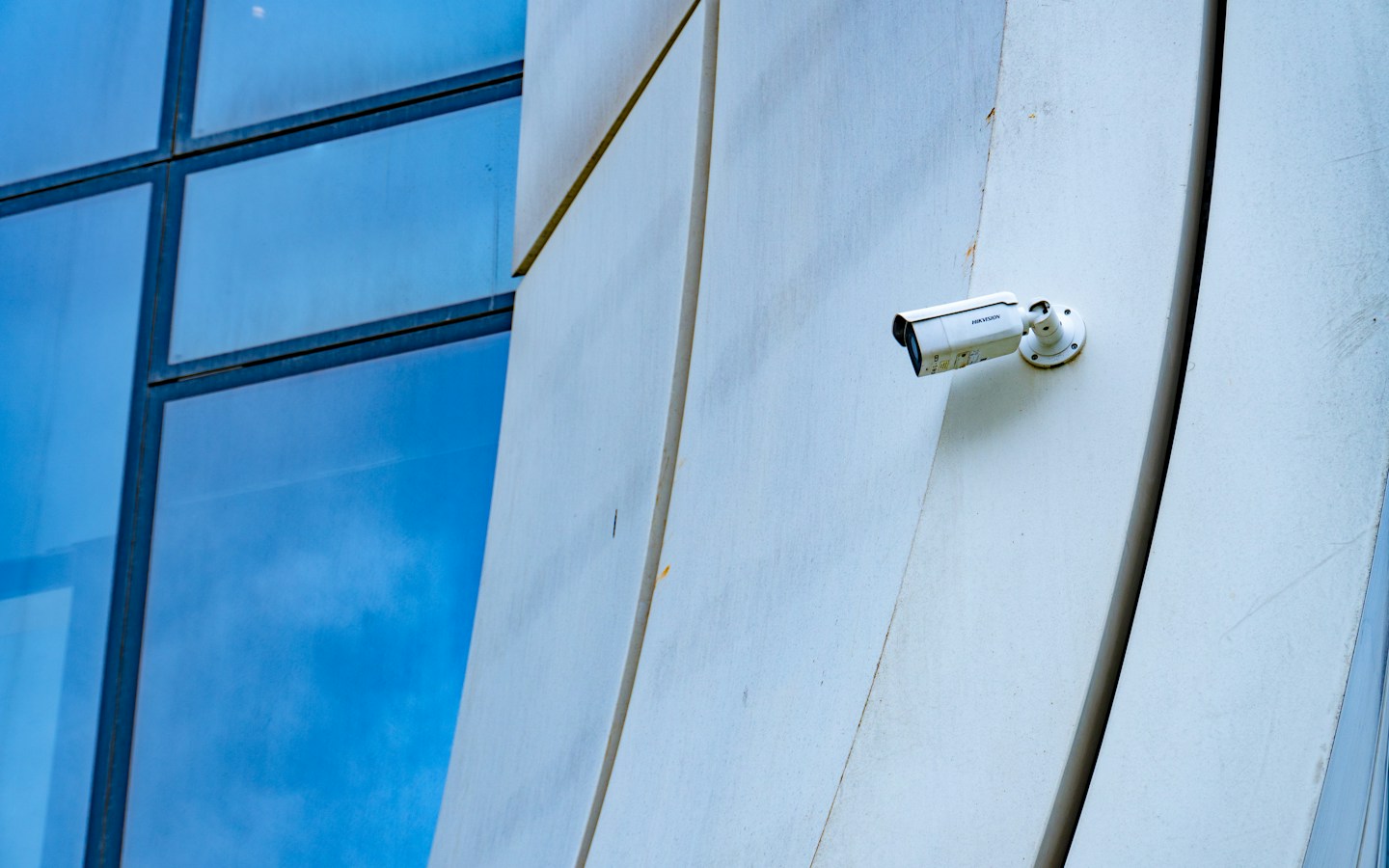
Representative CCTV photograph; यह Tapo C210 का product photo या tested security outcome नहीं है. Photo: Zulfugar Karimov / Unsplash
On this page
Camera की live video phone पर दिख गई, लेकिन incident के समय की recording नहीं मिली। CCTV चुनने में live view और reliable recording को अलग जाँचना चाहिए। केवल resolution देखकर पूरी system की usefulness तय नहीं होती।
यह security-product selection guide है। किसी camera से crime रोकने, identity हमेशा पहचानने या uninterrupted recording की guarantee नहीं है। अपने installation और privacy requirements अलग review करें।
Indoor और outdoor जरूरत
Tapo C210 की official product page home-security camera का एक research example है। Specific version की installation और storage information पढ़ें। किसी indoor-focused model को बिना उसके applicable ratings देखे exposed outdoor location के लिए न चुनें।
Entrance, counter और wider room के use अलग हो सकते हैं। Installer को exact area और lighting दिखाएं। केवल showroom demo आपकी actual location की visibility का proof नहीं।
Day और night sample
जिस distance पर important detail चाहिए, वहां sample footage देखें। Glare, backlight और lighting बदलने पर क्या दिखता है, test करें। Digital zoom का बड़ा figure जरूरी detail reliably पढ़ पाने की guarantee नहीं है।
Camera placement neighbour की private area या unnecessary personal activity record न करे। Applicable privacy requirements और authorised access का ध्यान रखें। Audio recording चाहिए या नहीं, उसे भी सोचकर configure करें।
Storage का पूरा plan
Local card, recorder और cloud options की current compatibility तथा recurring cost पूछें। Card या hard drive package में है या अलग, स्पष्ट करें। Storage भरने पर overwrite और retention behaviour समझें।
Power या internet interruption पर क्या रिकॉर्ड होगा, installer के साथ safe test करें। केवल “offline works” जैसे vague assurance पर निर्भर न रहें। Backup power चाहिए तो system की actual requirements से plan बनाएं।
Access और handover
Owner का account किसके control में रहेगा? Staff access हटाना हो तो कैसे होगा? Default credentials, updates और recovery process manufacturer guidance के अनुसार संभालें। Installer के phone में ही पूरा access छोड़ देना अच्छा handover नहीं।
Quotation में camera, storage, wiring, installation, subscription और support अलग देखें। आपकी जरूरत के लिए पूरी system cost compare करें।
Frequently Asked Questions
क्या ज्यादा resolution से हर detail साफ होगी?
Distance, placement और actual lighting में footage जाँचें।
क्या camera price में storage शामिल है?
Specific kit और subscription terms पढ़ें।
क्या live view और recording एक ही बात हैं?
नहीं। Recording और playback अलग test करें।
Article at a glance
- Written by
- Aarav Sharma
- Published
- 04 Nov 2026
- Reading time
- 3 minutes
- Topic
- Technology & Security
Read More Blogs

GTA VI pre-load: PS5 और Xbox के लिए तारीख, storage और तैयारी
GTA VI का pre-load कब शुरू होगा? Rockstar की November FAQ के आधार पर PS5, Xbox timing, storage और download से पहले की तैयारी समझें।
HyperOS 4 rollout: Xiaomi, Redmi और POCO users अपना update कैसे जाँचें?
HyperOS 4 के global schedule में आपका phone होने का क्या मतलब है? India में update जाँचने, backup रखने और feature availability समझने की आसान guide।
Crypto Mining कैसे करें? Bitcoin hardware, बिजली का खर्च और शुरुआत की checklist
Crypto mining का beginner guide: proof of work, Bitcoin ASIC, mining pool, wallet, बिजली का calculation और setup से पहले जरूरी checks समझें।
Be the first to share your thoughts.
Comments 0