
YouTube Studio में claims management update: creators को स्पष्ट view देने की कोशिश
Social Media & Creator GrowthYouTube Community ने Studio में claims देखने और manage करने के clearer workflow पर update दिया है।
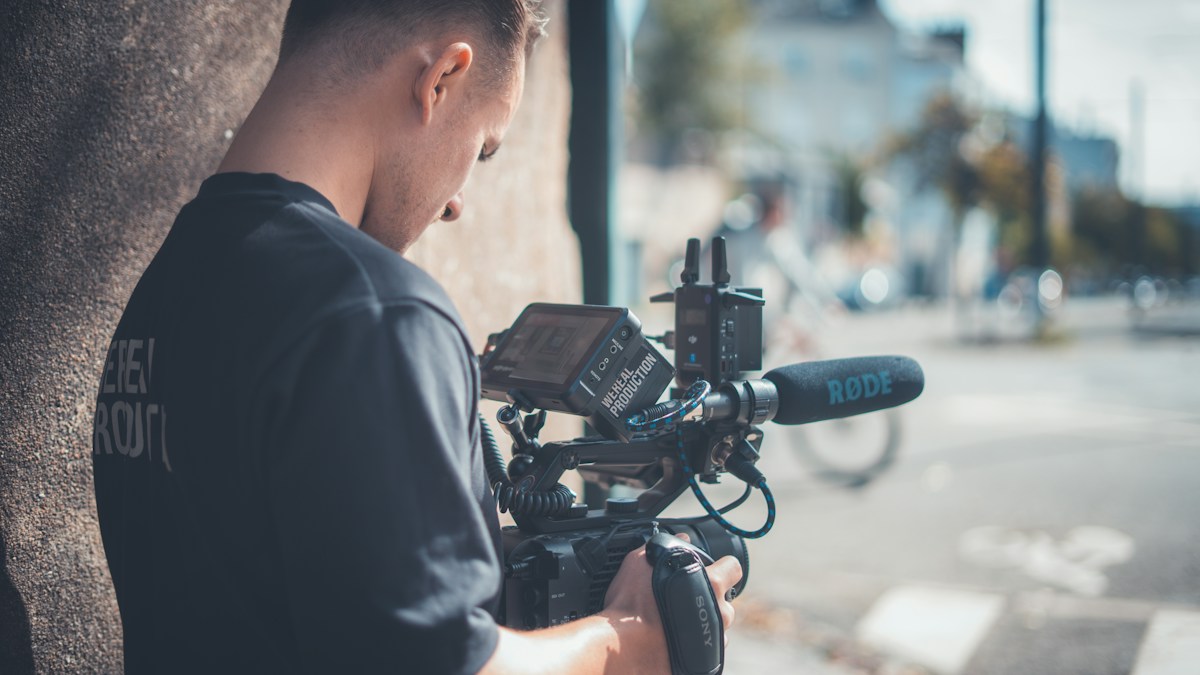
Representative archive photograph: A camera operator holding a professional camera and microphone. Not a screenshot of the announced feature, a still from the named film/show, or a photograph documenting this news event. Photo: Gabriel Weyand / Unsplash · Unsplash License
On this page
YouTube Community ने Studio में claims देखने और manage करने के clearer workflow पर update दिया है। यह August product announcement है। किसी video की actual स्थिति जानने के लिए creator को अपने Studio में उपलब्ध claim details और दिए गए actions देखना चाहिए।
Notice को पूरा पढ़ना क्यों जरूरी है?
Copyright-related message में claimant, affected portion और available response route महत्त्व रखते हैं। हमारी editorial सलाह है कि केवल notification headline देखकर random dispute न भेजें। पहले content की original files, licences और collaboration records जुटाएँ। Claim, restriction और account-level enforcement जैसे शब्दों को interchangeably इस्तेमाल करने से confusion बढ़ सकता है। किसी uncertain legal question पर qualified advice लें। Platform के actual notice की deadlines और instructions को अपने record में रखें; दूसरे creator की screenshot-based advice आपकी situation पर पूरी तरह लागू नहीं हो सकती।
पाठकों के लिए तीन बातें
- Actual notice और affected content पढ़ें
- Rights records जुटाएँ
- दिए गए response route का पालन करें
Source और तारीख
पूरी official जानकारी — YouTube Community — a clearer way to view and manage claims in youtube studio। Source की तारीख: August 2026। इस report के लिए जानकारी 26 नवंबर 2026 को जाँची गई है।
Article at a glance
- Written by
- Kavya Joshi
- Published
- 26 Nov 2026
- Reading time
- 2 minutes
- Topic
- Social Media & Creator Growth
Read More Blogs
YouTube Live के लिए auto-dubbing और showdowns: announced features का rollout संदर्भ
Made on YouTube 2026 की official announcement में Live auto-dubbing और co-hosted showdowns जैसी सुविधाएँ शामिल हैं।
YouTube Shopping में Amazon product tagging: official announcement का seller और creator अर्थ
YouTube Community ने Shopping Affiliate Program में Amazon products tag करने से जुड़ा update प्रकाशित किया है।
YouTube Shorts में original content को प्राथमिकता: October update का creator संदर्भ
YouTube ने Shorts पर original content prioritise करने वाला Community update प्रकाशित किया है।
Be the first to share your thoughts.
Comments 0