
YouTube SEO: Business videos के title और description से आगे क्या देखें?
Social Media & Creator GrowthCustomer के सवाल पर useful video बनाएं, सही title दें और search performance समझें। Business channel के लिए practical YouTube SEO checklist।
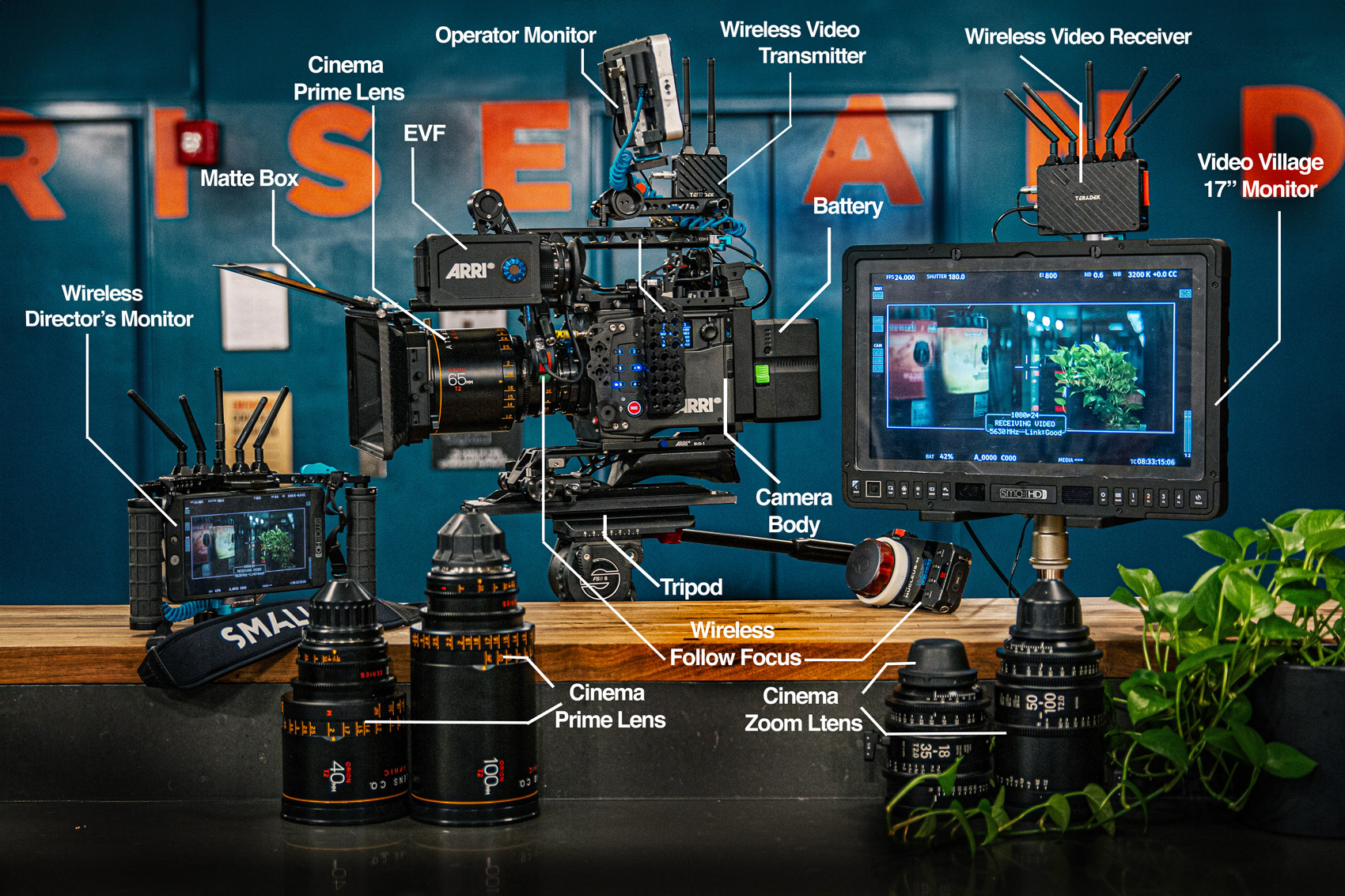
Annotated cinema-camera photograph; representative equipment image, not a required YouTube setup. Photo: Gentle / Wikimedia Commons · CC BY 4.0
On this page
एक shop ने product video बनाया है, लेकिन title में केवल model number और “Amazing Product” लिखा है। Customer शायद उसी चीज को दूसरे नाम से खोज रहा हो। Video की शुरुआत भी कई seconds की logo animation से होती है, जबकि असली demonstration बाद में है। YouTube SEO में metadata के साथ इस पूरे देखने के अनुभव को समझना जरूरी है।
Search और recommendations एक बात नहीं हैं
YouTube का search explanation relevance, engagement और quality की भूमिका बताता है। Home और Suggested की personalised discovery को search ranking से अलग समझें। अपनी पसंद के account से किया गया एक search सभी viewers का अनुभव नहीं दिखाता।
पहले video का intended सवाल लिखें। “छोटे कमरे के लिए study table का size कैसे चुनें?” जैसे सवाल का जवाब है तो title, visual और explanation उसी बात पर रहें। किसी trending celebrity का unrelated नाम डालने से viewer की जरूरत हल नहीं होती।
Topic को customer की भाषा दें
Sales conversations में इस्तेमाल होने वाले शब्द note करें। Technical name के साथ आम नाम समझाना उपयोगी हो सकता है। हर spelling variation को title में भरने की जगह readable sentence बनाएं। जिस comparison या result का video में evidence नहीं है, उसे title में promise न करें।
एक illustrative उदाहरण में furniture seller product assembly का video बनाता है। Title में assembly का विषय स्पष्ट है, thumbnail actual assembled item दिखाता है और शुरुआत में tools तथा included parts बताता है। यह किसी tested ranking formula का दावा नहीं, clearer communication का उदाहरण है।
Description में जरूरी context रखें
Product का सही name, relevant links, limitations और next step दें। Important disclosure हो तो उसे छिपाएँ नहीं। Chapters देना video में अलग हिस्से ढूँढने में मदद कर सकता है; timestamps सही places पर खुलते हैं या नहीं, publish होने के बाद जाँचें।
- Thumbnail actual विषय से जुड़ा हो।
- Captions की spelling और technical terms review करें।
- Broken या पुराने website links ठीक करें।
- Contact details और business identity consistent रखें।
- Licensed music और visuals ही इस्तेमाल करें।
Retention का मतलब सिर्फ video छोटा करना नहीं
अगर लोग किसी हिस्से पर छोड़ते हैं तो उस segment को देखें। Topic देर से शुरू हो रहा है, sound अस्पष्ट है या title से अलग बात चल रही है? हर drop को एक ही कारण देना सही नहीं होगा। Demonstration में जरूरी steps काट देना भी viewer के लिए नुकसानदेह हो सकता है।
YouTube performance FAQ search को केवल सबसे अधिक देखे गए videos की सूची नहीं बताती। इसलिए competitor के total views को अपने नए video का सीधा benchmark न बनाएं। Audience, age और traffic sources अलग हो सकते हैं।
Upload के बाद review कैसे करें?
Video का उद्देश्य और publish date लिखें। पर्याप्त data मिलने पर search terms, traffic sources और audience response देखें। Enquiries आ रही हों तो पूछें कि उन्हें कौन-सी information उपयोगी लगी। हर दिन title बदलते रहेंगे तो बदलाव समझना कठिन होगा।
Related videos को useful playlist में व्यवस्थित करें। Series का अगला हिस्सा हो तो उसका link सही जगह दें। अपने [video shoot planning guide](/blogs/small-business-video-marketing-shoot-plan-hindi) से एक manageable brief बनाकर शुरू कर सकते हैं। Search में पहला स्थान या fixed views का promise इस process का हिस्सा नहीं है।
Frequently Asked Questions
क्या tags से ही video rank होगा?
केवल tags पर निर्भर न रहें। विषय, metadata, actual content और viewer response भी महत्वपूर्ण हैं।
क्या वही result सबको दिखता है?
नहीं। Search और watch history जैसे factors से results अलग हो सकते हैं।
क्या पुराने videos सुधार सकते हैं?
हाँ। गलत descriptions, broken links और misleading information ठीक करें; बदलाव का record रखें।
Article at a glance
- Written by
- Kavya Joshi
- Published
- 26 Oct 2026
- Reading time
- 4 minutes
- Topic
- Social Media & Creator Growth
Read More Blogs
Facebook Original Content: business Page की Reels में अपना काम कैसे दिखाएं?
Facebook की originality guidance के संदर्भ में business Reels की planning करें। Reuploads, meaningful explanation और अपनी product demonstrations का practical guide।
AI Video Editing Workflow: एक Product Shoot से काम के Videos कैसे बनाएँ
हर reel के लिए दोबारा shoot करना पड़ता है? Raw footage, captions, approvals और exports का साफ workflow बनाकर अपने product videos का काम संभालें।
YouTube Title और Thumbnail A/B Test: Result को कैसे समझें?
YouTube के native A/B test में title और thumbnail की सही तुलना सीखें। Watch time, inconclusive results और honest creative options की practical guide।
Be the first to share your thoughts.
Comments 0