
Small Business Video Marketing: पहला useful video कैसे plan करें?
Digital Marketing & Advertisingमहँगे shoot से पहले customer का सवाल चुनें। Product demo, service explanation और simple video brief के साथ छोटे business का practical plan बनाएँ।
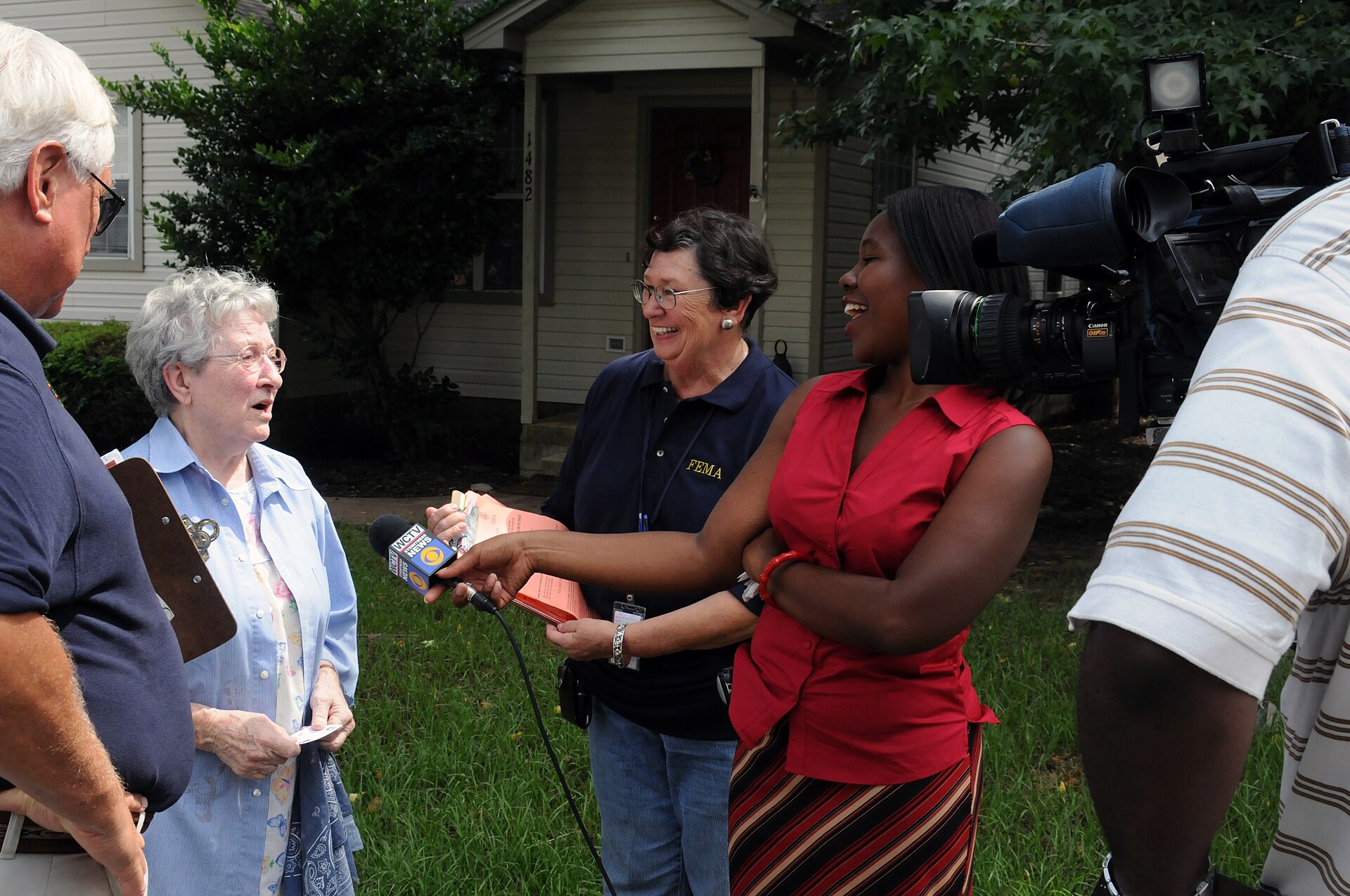
FEMA interview in Florida; representative filming photograph, not a customer testimonial. Photo: George Armstrong / Wikimedia Commons · Public domain
On this page
नई camera setup खरीदने से पहले यह तय करना ज्यादा काम का है कि video किस सवाल का जवाब देगा। एक furniture shop के लिए delivery process दिखाना useful हो सकता है, जबकि salon के लिए appointment और service consultation समझाना। हर business को शुरुआत में cinematic brand film की जरूरत नहीं होती। ऐसा छोटा video चुनें जिसे देखने के बाद customer अगला कदम समझ पाए।
सबसे ज्यादा पूछा जाने वाला सवाल चुनें
Phone calls और messages में बार-बार आने वाले तीन सवाल लिखें। उनमें से एक को video का विषय बनाएँ। “हमारी company सबसे अच्छी क्यों है” की जगह “Custom table का size final करने से पहले क्या नापें?” जैसा specific विषय reader को स्पष्ट कारण देता है।
फिर देखें कि जवाब दिखाने योग्य है या केवल बोलकर समझाया जाएगा। Product की fitting, packaging या process demonstration में real visuals ज्यादा उपयोगी होंगे। Personal information, confidential order details और बिना अनुमति लोगों के चेहरे frame में न लाएँ।
Shoot brief एक पन्ने में पूरा करें
Brief में audience, मुख्य सवाल, तीन जरूरी points और अंतिम action लिखें। Product demo में कौन-सा model इस्तेमाल होगा और उसकी limitations क्या हैं, यह पहले तय करें। Screen पर ऐसे features या prices न दिखाएँ जो business वास्तव में offer नहीं कर रहा।
एक illustrative plan लें: home bakery को cake collection process समझाना है। पहला shot collection location दिखाए, दूसरा packaging handling और तीसरा booking confirmation में customer को क्या मिलेगा। इस video का उद्देश्य पूरी baking recipe या business की कहानी बताना नहीं है।
Sound, light और framing का simple test
Shoot से पहले छोटा sample record करके आवाज सुनें। Background noise, harsh light और camera की movement अक्सर महँगे equipment के बिना भी सुधर सकते हैं। Demonstration में काम करने वाले व्यक्ति और दिखाई जाने वाली वस्तु पर्याप्त साफ दिखें।
- शुरुआत में विषय सीधे बताएं।
- Captions पढ़ने लायक रखें और spelling जाँचें।
- Customer testimonial के लिए consent लें।
- Music और visuals के usage rights जाँचें।
- Safety-sensitive प्रक्रिया में अधूरी demonstration publish न करें।
Website पर video कहाँ रखें?
जिस service या product की बात है, उसी page पर relevant placement दें। हर page पर भारी autoplay video डालने से mobile visitor परेशान हो सकता है। Video के साथ छोटा readable summary रखें, ताकि बिना sound भी विषय समझ आए।
Google की Video SEO guidance discoverable video pages और accessible video resources की तैयारी समझाती है। Website पर embedded video होना अपने आप video search appearance की guarantee नहीं है। किसी specific video को खोज में दिखाने का उद्देश्य हो तो developer से watch page, thumbnail और indexing की स्थिति जाँचवाएँ।
Views के बाद किस बात पर ध्यान दें?
Video के purpose के अनुसार result तय करें। Service explanation के बाद relevant enquiries आईं या basic confusion कम हुआ? Product demo से सही model की enquiry मिली या लोग गलत offer समझ रहे हैं? केवल play count देखकर campaign सफल मानना जल्दबाजी होगी।
पहले video के comments और staff feedback के आधार पर अगला विषय चुनें। उसी clip को हर platform पर बिना देखे crop न करें। Text कट रहा हो, product बाहर हो या captions controls के पीछे आ रहे हों तो अलग export बनाएं। Editing workflow के लिए अपनी [business video guide](/blogs/ai-video-editing-workflow-small-business-hindi) पढ़ सकते हैं।
Frequently Asked Questions
क्या professional camera जरूरी है?
शुरुआत में clear audio, पर्याप्त light और सही demonstration ज्यादा जरूरी हो सकते हैं। Equipment जरूरत के अनुसार चुनें।
Video की ideal length क्या है?
सवाल जितने समय में साफ हल हो सके, उतना रखें। सभी formats के लिए एक length सही नहीं होती।
क्या stock footage को अपना काम बता सकते हैं?
नहीं। Licensed representative visuals हों तो उनका context साफ रखें।
Article at a glance
- Written by
- Neha Verma
- Published
- 26 Oct 2026
- Reading time
- 4 minutes
- Topic
- Digital Marketing & Advertising
Read More Blogs

Delhi में Sign shops: shop board proof और installation
Delhi के sign shops की listings और उपलब्ध contact details देखें। shop board proof और installation के लिए जरूरी सवाल, scope और practical checklist पढ़ें।
Indore में Marketing agencies: campaign scope और deliverables
Indore के marketing agencies की listings और उपलब्ध contact details देखें। campaign scope और deliverables के लिए जरूरी सवाल, scope और practical checklist पढ़ें।

Digital Marketing Plan: एक offer का छोटा experiment कैसे चलाएं?
Digital marketing में एक साथ सब कुछ बदलने से बचें। Audience, offer, landing page और lead quality के evidence से छोटा experiment plan करना सीखें।
Be the first to share your thoughts.
Comments 0