
Restaurant SEO: Menu, Timings और Website से Customer की मदद कैसे करें
Local Business GrowthRestaurant search में दिखता है, लेकिन पुराना menu और गलत timings customers को परेशान करते हैं? Local SEO की शुरुआत सही information और आसान booking से करें।
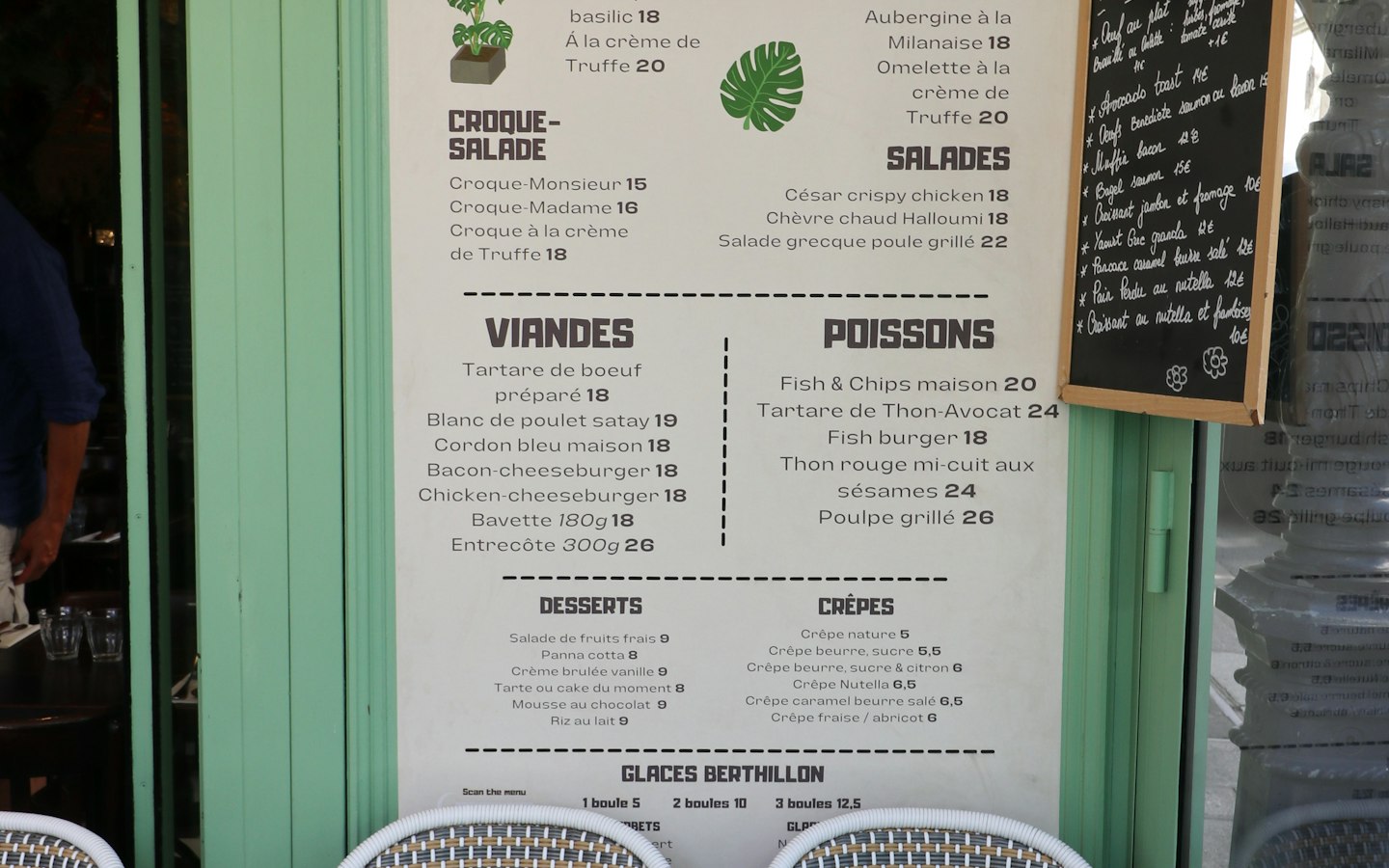
Paris के cafe की representative menu photograph; दिखाई गई कीमतें किसी Indian restaurant की rates नहीं हैं। Photo: Christoph Birken / Unsplash
On this page
कोई family dinner के लिए restaurant चुन रही है। उसे menu, location, timings और booking की जानकारी चाहिए। अगर website पर पुराना menu है और phone किसी बंद number पर जाता है तो अच्छी photos भी फैसला आसान नहीं बनातीं। Restaurant SEO में शुरुआत customer के इन्हीं छोटे सवालों से की जा सकती है।
अपनी basic information एक जगह लिखें
Restaurant का सही नाम, public phone, address, regular timings और holiday changes की approved sheet बनाएँ। Website, business profiles और directory listings update करने वाला व्यक्ति इसी sheet से काम करे। Branches हों तो हर branch की details अलग रहें।
Parking, rooftop, kids seating या private dining जैसी facilities सिर्फ मौजूद हों तो लिखें। Photo देखकर अनुमान लगाकर amenity न जोड़ें। Customer को visit से पहले confirmation चाहिए तो contact का स्पष्ट तरीका दें।
Menu को phone पर पढ़ने लायक बनाएँ
Menu की बहुत छोटी photo zoom कराने के बजाय website पर साफ sections में items और जरूरी details दिखाएँ। Current prices और portion information kitchen या manager से verify करें। Allergen या dietary सवालों पर staff से confirmation का रास्ता रखें; बिना प्रमाण “allergy safe” जैसी assurance न दें।
Google की menu-editor help eligible food-and-drink businesses के लिए menu items, descriptions, prices और sections की सुविधा समझाती है। Account में available options देखकर update करें। Menu guidelines के अनुसार menu उपलब्ध items का representative full menu होना चाहिए; menu URL को सीधे third-party delivery service का link न बना दें।
Booking और order अलग समझाएँ
“Contact us” एक ही button के नीचे table booking, delivery complaint और bulk catering सब छिपे हों तो confusion होगा। Customer को स्पष्ट action दें। Booking request भेजने का मतलब confirmed table है या staff callback करेगा, यह message में लिखें।
मान लें weekend buffet के लिए advance enquiry जरूरी है। तब buffet page पर उपलब्ध समय, enquiry method और confirmation process रखें। Expired offer को header में लटकाकर न छोड़ें। Website पर order link हो तो वह सही branch और current service खोलता है या नहीं, जाँचें।
असली photos के लिए छोटी shoot list
- Entrance की photo जिससे पहली बार आने वाला पहचान सके।
- Dining area की सामान्य lighting वाली साफ photo।
- Current menu के वास्तविक dishes की photos।
- Seating या event setup की photo, जहाँ वह service उपलब्ध है।
Stock dish को अपना served portion बताना गलत expectation बना सकता है। Team को हर photo का date और dish name रखने की आदत डालें। पुरानी interior photo बदलने की जिम्मेदारी भी content update में शामिल करें।
Monthly review में क्या देखें?
Front desk से पूछें कि callers बार-बार कौन-सा सवाल करते हैं। यदि हर दूसरा caller address या buffet timing पूछ रहा है तो information की जगह या clarity सुधारें। Enquiries, confirmed bookings और actual visits को अलग record करें; हर website visit को customer न गिनें।
Frequently Asked Questions
क्या city का नाम हर line में डालना चाहिए?
नहीं। Address और relevant location information स्पष्ट रखें; repetitive wording से menu या booking जानकारी ढकनी नहीं चाहिए।
Menu PDF रख सकते हैं?
रख सकते हैं, लेकिन phone पर readability और file size जाँचें। जरूरी information webpage पर भी आसानी से मिले तो customer का काम सरल होगा।
क्या photos से ranking guarantee मिलेगी?
नहीं। Photos का मुख्य उद्देश्य सही experience समझाना है; visibility को बाकी information और website quality के साथ देखें।
Article at a glance
- Written by
- Rohan Mehta
- Published
- 26 Oct 2026
- Reading time
- 4 minutes
- Topic
- Local Business Growth
Read More Blogs

Wedding Photographer SEO: Portfolio से सही Booking Enquiry तक का रास्ता बनाएँ
Portfolio में अच्छी photos हैं लेकिन enquiries अधूरी आती हैं? Wedding photographer की website पर location, coverage, galleries और booking process साफ करने की guide।

Plumber Local SEO: अपने service area में सही enquiries कैसे पाएँ?
Phone आता है लेकिन काम आपके area या service का नहीं होता? Plumbing business की website, service area और enquiry process साफ करके local SEO की शुरुआत करें।
Business Listing Sites List 2026: आपके business के लिए 20 category-wise platforms
हर business को एक जैसी directory नहीं चाहिए। दुकानों, suppliers, IT agencies, clinics, tutors और hotels के लिए 20 platforms की category-wise list और चुनाव का practical तरीका।
Be the first to share your thoughts.
Comments 0