
PHP Security Update October 2026: website owners को क्या check करना चाहिए?
Technology & SecurityPHP की official advisory में दो critical vulnerabilities और patched releases बताए गए हैं। Website owner के लिए hosting version, vendor confirmation और update verification की checklist।
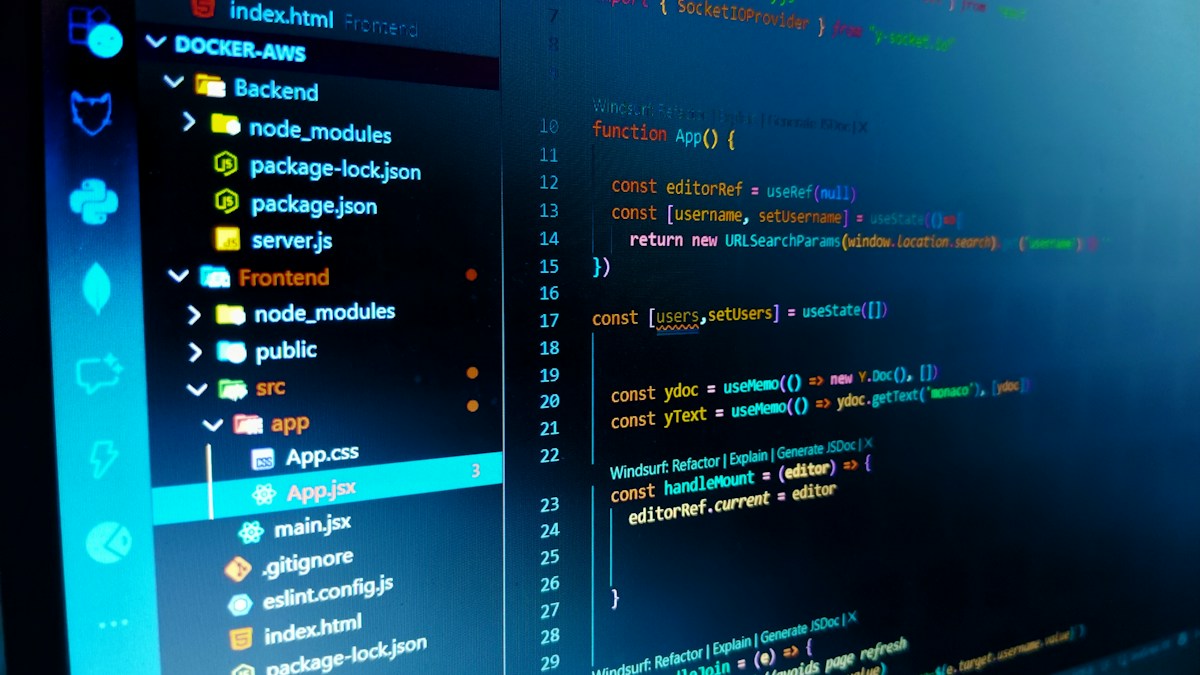
Representative software-development photograph; not an exploit demonstration or a screenshot of an affected website. Photo: Aryaabhisek Mahapatra / Unsplash
On this page
PHP security vulnerabilities से जुड़ी searches के बीच website owners के लिए सबसे जरूरी कदम अपनी hosting का actual PHP build और उसके security patches की स्थिति जानना है। PHP की official October 2026 advisory में दो critical issues, CVE-2026-109618 और CVE-2026-109619, के लिए updates बताए गए हैं। केवल website खुल रही है, इससे patch status confirm नहीं होता।
[PHP के official announcement](https://www.php.net/archive/2026.php) में 8.5.12, 8.4.27, 8.3.36 और 8.2.35 fixed releases listed हैं। यह जानकारी 23 October 2026 को जाँची गई है। बाद में पढ़ रहे हैं तो current advisory और अपने hosting vendor का update देखें।
खबर का मतलब: अपनी installation की स्थिति जांचें
Advisory request handling से जुड़े remote code execution risks बताती है। इससे यह निष्कर्ष नहीं निकलता कि हर PHP website पहले ही compromise हो चुकी है। किसी site का वास्तविक exposure और patch status उसकी deployment तथा vendor build से confirm करना होगा।
Shared hosting में application files और PHP runtime अलग स्तर हैं। Website का content बदलने या cache साफ करने से runtime update नहीं हो जाता। Hosting provider से अपने domain पर serve हो रहे PHP version और applied fix की लिखित confirmation मांगें।
Hosting support को क्या भेजें?
एक उपयोगी enquiry में domain, affected service और relevant advisory का link हो सकता है। Password या database credentials खुले ticket attachment या public comment में डालना जरूरी नहीं। Support से पूछें:
- Web requests वाला PHP build कौन-सा है?
- Official patch या vendor backport लागू है?
- Update के बाद running workers reload हुए हैं?
- Compatibility check और rollback का plan क्या है?
कुछ vendors security fixes backport कर सकते हैं। इसलिए केवल displayed version देखकर उनकी patch status के बारे में अंतिम निष्कर्ष न निकालें; relevant package notice और confirmation लें।
पुरानी branch और supported branch का फर्क
[PHP की support table](https://www.php.net/supported-versions.php) active support और security support अलग दिखाती है। Unsupported version पर application चलना उस branch को security support मिलने का प्रमाण नहीं है। Older installations के लिए supported release पर migration का plan developer और hosting provider के साथ बनाएं।
Version upgrade में application, extensions और dependencies की compatibility देखनी पड़ सकती है। इसका मतलब patch को अनिश्चित समय तक टालना नहीं, बल्कि जिम्मेदारी और update window स्पष्ट करना है।
Update को बिना जांच complete न मानें
File और database backup की restore process तैयार रखें। जहां संभव हो representative staging setup में login, forms, uploads और critical workflows की जांच करें। Update के बाद web-serving runtime की स्थिति तथा application errors फिर देखें।
Command-line PHP और website का PHP अलग configuration से चल सकते हैं। इसलिए केवल एक command का output पूरा verification नहीं है। Public server-information page बनाकर sensitive configuration खुले में दिखाने की जरूरत भी नहीं है।
Temporary setting को permanent fix न समझें
Official advisory में सीमित mitigations की चर्चा है, लेकिन complete solution के लिए update पर जोर है। Internet से मिली arbitrary memory या upload settings production पर copy करने के बजाय provider से documented action लें। इस article में exploit या server settings बदलने के निर्देश नहीं दिए गए हैं।
Frequently Asked Questions
क्या website खुलने से security update confirm है?
नहीं। Runtime build और applied fix की स्थिति अलग verify करें।
क्या displayed version अकेले पर्याप्त है?
Vendor backports हो सकते हैं। Relevant package advisory तथा provider confirmation भी लें।
क्या हर website hack होने की खबर है?
यह vulnerability और patch advisory है; किसी individual site पर compromise की पुष्टि नहीं।
Article at a glance
- Written by
- Aarav Sharma
- Published
- 23 Oct 2026
- Reading time
- 4 minutes
- Topic
- Technology & Security
Read More Blogs
Top 10 Mobile Repair Shops in Indore: फोन देने से पहले क्या पूछें?
Indore की mobile-repair listings की shortlist। Diagnosis, parts, estimate, job sheet, data privacy और repair के बाद testing के लिए practical guide।
Google AI Search में नए Links: सही Website और Source कैसे पहचानें?
Google AI Search के अक्टूबर update को समझें। Inline links, official pages और news sources को पढ़कर अपना काम सही website पर पूरा करने की Hindi-English guide।
Googlebook क्या है? India में Laptop बदलने से पहले क्या जाँचें
Googlebook के नए laptop announcement को समझें। India availability, app compatibility, accessories और खरीदने से पहले अपने काम की checklist देखें।
Be the first to share your thoughts.
Comments 0