
Meesho पर Sales कैसे बढ़ाएँ? Catalog clarity और returns पर काम करने का plan
Ecommerce ResearchMeesho sellers के लिए सही catalog, size details, stock और return reasons सुधारने की guide। Ads से पहले delivered orders और वास्तविक margin को समझें।
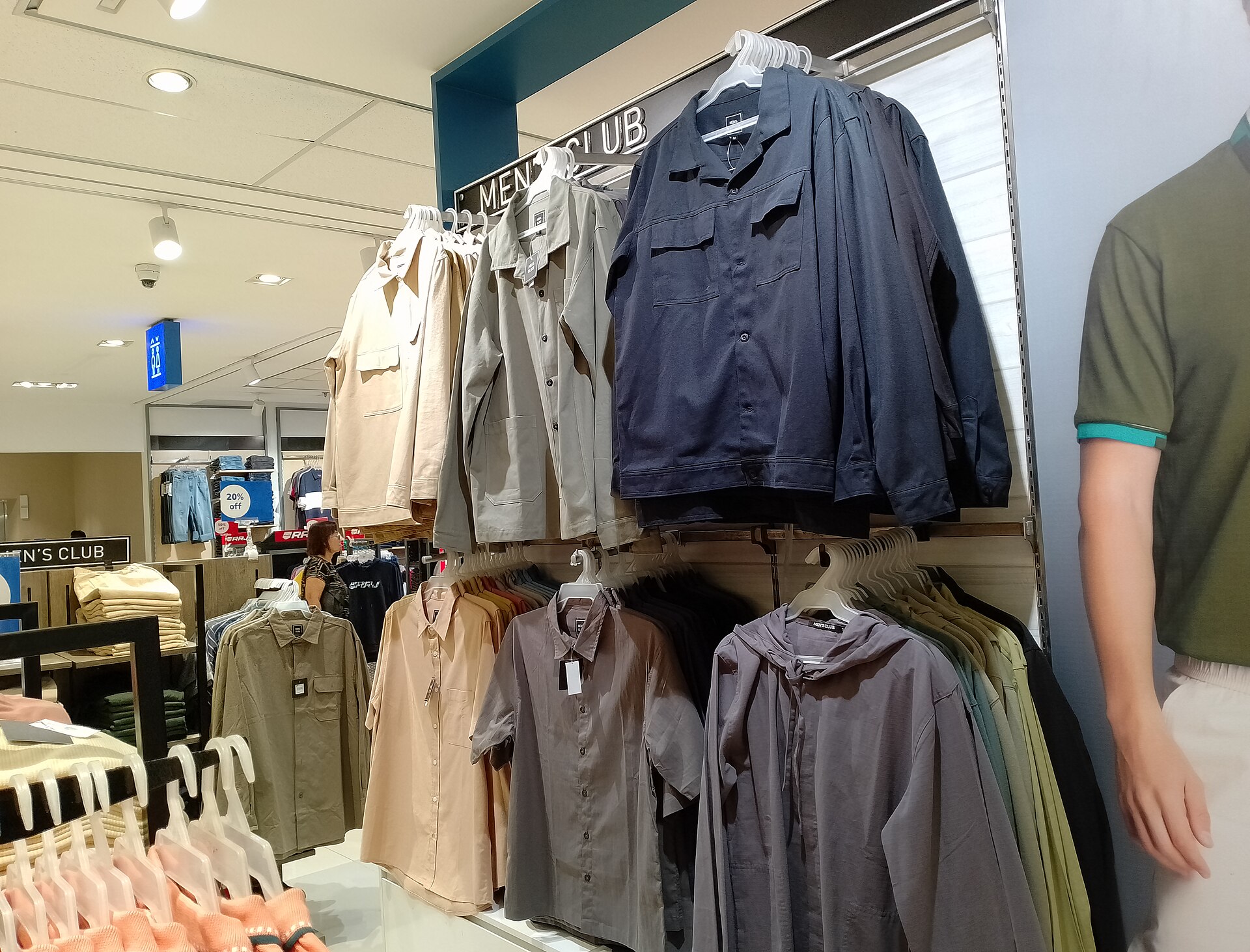
Illustrative apparel retail photograph, SM City Cebu, 2024. Not a Meesho store or catalog screenshot. Photo: Wide Awake! / Wikimedia Commons · CC BY 4.0
On this page
Meesho पर catalog upload होने के बाद orders का इंतजार करते रहना पर्याप्त नहीं है। ग्राहक आपकी photo से जो product समझता है, delivery पर उसे वही मिलना चाहिए। खासकर apparel में size, fabric, colour और pack quantity की छोटी अस्पष्टता भी return का कारण बन सकती है।
पाँच catalogs से शुरुआत करें
अपने active catalogs में से पाँच चुनें जिनका stock उपलब्ध है और जिनके delivered orders का खर्च निकाल सकते हैं। हर catalog के लिए views या clicks जैसे उपलब्ध metrics, orders, returns और settlement को अलग नोट करें। अलग-अलग reports की date range समान रखें।
अगर दो catalogs में एक को views मिल रहे हैं लेकिन orders नहीं, तो पहले उसकी images और price-value proposition देखें। दूसरे में orders हैं पर returns ज्यादा हैं तो उसी catalog पर ads बढ़ाने के बजाय return reason पढ़ें।
Photo और product details एक कहानी कहें
Kurti बेच रहे हैं तो front, back, fabric detail और वास्तविक colour का साफ representation दें। Photo में accessories दिखाई जाएँ लेकिन pack में शामिल न हों, तो inclusions स्पष्ट करें। Product को वास्तविकता से अलग दिखाने वाली editing कम करें।
Size chart में इस्तेमाल हुई measurement और unit स्पष्ट रखें। “Free size” लिखने से हर व्यक्ति को fitting की गारंटी नहीं मिलती। Garment measurements और जरूरी fit information बताने से खरीदार बेहतर निर्णय कर सकता है। अपने category के catalog requirements भी Seller Panel में मिलाएँ।
Low price के साथ delivered margin देखें
एक illustrative example: 50 placed orders में 38 delivered और kept रहे। सिर्फ 50 orders की selling value को income मान लेने से returns और अन्य खर्च छूट जाएँगे। अपनी reports में fulfilled, cancelled, returned और settled orders का फर्क समझें।
Product cost के अलावा packaging, लागू charges और returns से जुड़े actual deductions देखें। पुराने video में कही गई fee को आज की policy मानकर price तय न करें। वर्तमान account information और settlement details इस्तेमाल करें।
Quality Dashboard और ads का उपयोग
Meesho की official selling guide catalog promotion और Quality Dashboard का उल्लेख करती है। आपके account में उपलब्ध tools से recurring issues खोजें। अगर कई customers एक ही size को छोटा बता रहे हों तो केवल description नहीं, batch measurements और label mapping भी जाँचें।
Promotion के लिए पहले ऐसा catalog चुनें जिसकी information सही हो और stock स्थिर हो। Budget और duration लगाने से पहले लक्ष्य तय करें: relevant visitors लाना है या पहले से converting catalog को test करना है। Ads उपलब्ध होने का अर्थ हर catalog पर लाभ मिलना नहीं है।
रोज क्या करें और सप्ताह में क्या देखें?
रोज stock और pending dispatch जाँचें। जो quantity वास्तव में उपलब्ध नहीं, उसे saleable दिखाना आगे cancellation बढ़ा सकता है। सप्ताह में return reasons, wrong-item complaints और size-wise performance देखें।
एक बदलाव register रखें: तारीख, catalog, problem, correction और बाद का outcome। एक साथ title, price, images और campaign बदलने पर असर किस वजह से आया, समझना कठिन होता है।
छोटे सवाल
क्या नया catalog रोज जोड़ना जरूरी है?
पहले existing catalog की accuracy और fulfilment संभालें। वही product बार-बार duplicate करना quality का विकल्प नहीं है।
क्या ज्यादा orders का अर्थ ज्यादा profit है?
नहीं। Delivered और retained orders की कमाई से actual costs घटाकर देखें।
Ads कब शुरू करें?
जब catalog स्पष्ट हो, stock उपलब्ध हो और खर्च मापने की व्यवस्था हो।
Article at a glance
- Written by
- Rohan Mehta
- Published
- 26 Oct 2026
- Reading time
- 4 minutes
- Topic
- Ecommerce Research
Read More Blogs

Meesho पर 0% Commission: फिर भी margin का पूरा हिसाब क्यों जरूरी है?
Meesho के zero-commission message, delivery-linked payment cycle और अपने product costs को साथ समझें। छोटे sellers के लिए margin और cash-flow worksheet।

Flipkart Seller: settlement और shipping weight का हिसाब कैसे मिलाएं?
Flipkart पर sale amount और bank settlement अलग क्यों दिख सकते हैं? Order-wise fees, packed weight और current rate card जाँचने का आसान तरीका।

Amazon Seller Tools: AI से listing बनाते समय कौन-सी गलतियां रोकें?
Amazon India में seller tools की बढ़ती चर्चा के बीच AI draft, product facts, variants और final approval को कैसे संभालें? छोटे sellers के लिए practical workflow।
Be the first to share your thoughts.
Comments 0