
Free Profile Creation Sites 2026–27: 25 Platforms और सही Setup
SEO & Search25 professional, business और community profile platforms की shortlist। Public URL, website field, ownership और submission tracking की practical guide।

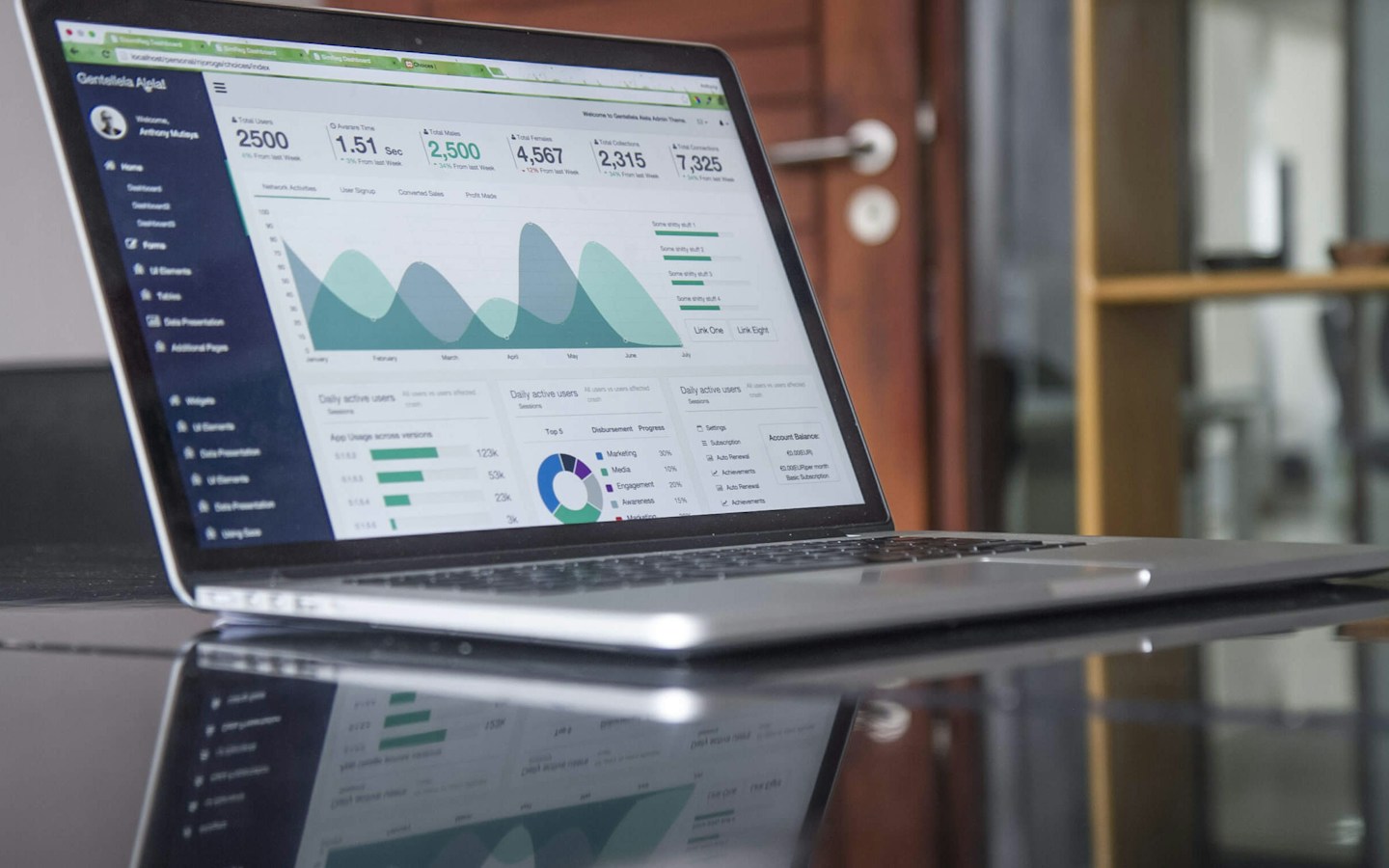
Representative account-setup photograph; no platform endorsement or verified backlink placement is implied. Photo: Kaitlyn Baker / Unsplash
On this page
Profile backlink बनाते समय सबसे उपयोगी सवाल यह है: profile देखकर कोई व्यक्ति समझ पाएगा कि आप कौन हैं और क्या करते हैं? केवल username, दो keywords और website URL भर देने से convincing professional presence नहीं बनती। 25 platforms की यह shortlist creators, developers, business owners और relevant community members के लिए अलग रास्ते दिखाती है।
Free/basic account और free public website link एक ही feature नहीं हैं। Verification, region, account age और platform moderation के कारण final options अलग हो सकते हैं। इस article में किसी account को बनाकर backlink acceptance का दावा नहीं किया गया है। हर platform पर अपना असली काम और authorized identity इस्तेमाल करें।
25 profile creation platforms
- 1. LinkedIn — Professional identity और company presence; public visibility और contact settings जाँचें।
- 2. GitHub — Developers के वास्तविक projects और documentation; खाली backlink repositories न बनाएँ।
- 3. GitLab — Software work और public project pages; repository की visibility सोचकर चुनें।
- 4. Bitbucket — Development teams और code projects; confidential client source code public न करें।
- 5. Behance — Design case studies और portfolio; वही work दिखाएँ जिसके publication rights आपके पास हैं।
- 6. Dribbble — Design portfolio और discovery; advanced promotion या selling features अलग हो सकते हैं।
- 7. CodePen — Working frontend demos; उपयोगी examples के साथ project context दें।
- 8. Stack Overflow — Programming expertise और developer profile; answers में promotion platform rules के अनुसार हो।
- 9. DEV Community — Original developer articles और discussion; topic से संबंधित project reference दें।
- 10. Hashnode — Technical writing और developer publishing; current publishing plan की limits देखें।
- 11. Google Business Profile — Eligible local businesses; वास्तविक location या service-area eligibility जरूरी है।
- 12. Bing for Business (Bing Places) — Business information और map discovery; ownership और regional onboarding जाँचें।
- 13. Apple Business (formerly Business Connect) — Apple business presence; business verification और available features जाँचें।
- 14. Bizcomnetwork — Business listing और enquiry discovery; Free package में एक business की capacity है।
- 15. Justdial — Indian local-service discovery; basic listing और paid lead/promotion products अलग समझें।
- 16. IndiaMART — B2B supplier discovery; genuine catalogue बनाएँ और paid upgrades की conditions देखें।
- 17. TradeIndia — Supplier और product information; business verification व membership scope जाँचें।
- 18. Sulekha — Service-provider discovery; profile route और paid lead services को एक न मानें।
- 19. Hotfrog — Business directory research; अपने country और service-area की availability देखें।
- 20. Facebook Pages — Business page और audience presence; basic page, account eligibility और paid advertising features अलग समझें।
- 21. Reddit — Niche discussions; subreddit self-promotion rules पहले पढ़ें।
- 22. Quora — Relevant questions के useful answers; answer के स्थान पर केवल link न छोड़ें।
- 23. Product Hunt — Real product launches और maker identity; launch eligibility व community rules देखें।
- 24. Indie Hackers — Founder discussions और product learning; genuine experience share करें।
- 25. ORCID — Researchers की authentic identity; public/private record visibility सोचकर चुनें।
किस business को किस group से शुरुआत करनी चाहिए?
यदि आप website developer हैं तो LinkedIn के साथ working project portfolio चुन सकते हैं। Graphic designer के लिए Behance या Dribbble में finished work और design decisions अधिक उपयोगी होंगे। Local repair service के लिए customer-facing business profile का अर्थ portfolio community से अलग है। किसी research network पर केवल business URL रखने के लिए scholar बनने का दिखावा न करें।
मान लें एक freelance designer का brand “Studio Example” है। उसका portfolio page logo, दो client-approved projects और साफ contact route दिखाता है। वही business name, relevant description और appropriate website destination चुनना customer को पहचानने में मदद करेगा। उसे बीस unrelated keyword phrases वाला bio देने की जरूरत नहीं।
Account बनाने से पहले तैयार रखें
- Brand या professional name की consistent spelling।
- Own logo या authorized profile photograph।
- तीन अलग lengths में factual description: short bio, normal overview और detailed introduction।
- Secure account email, recovery details और two-factor authentication जहाँ उपलब्ध हो।
- Website का final HTTPS URL और relevant portfolio/service destination।
- Work samples की permissions; client का confidential data शामिल न हो।
Public URL जाँचने का practical तरीका
LinkedIn की help public-profile URL खोजने का तरीका बताती है। Account dashboard का URL visitor-facing profile के बजाय private settings खोल सकता है। अपनी profile publish करने के बाद उसका actual public address अलग window में खोलकर देखें।
GitHub पर bio और social links जैसे profile options की जानकारी official profile guide में है। उपयोगी repository और documentation आपके काम का संदर्भ दें; सिर्फ links रखने के लिए खाली repository बनाना portfolio strategy नहीं है।
Public page दिखना Google indexing की guarantee नहीं है। Profile private हो, login माँगती हो या destination गलत हो तो पहले वह समस्या सुधारें। Visitor को homepage भेजना ठीक है जब वही उसके लिए सही next step हो; हर profile को exact-match commercial anchor देना जरूरी नहीं।
Company profile और personal identity अलग रखें
जहाँ company page या business claiming का अलग process है, उसी route का उपयोग करें। कर्मचारी की personal profile को business owner का प्रमाण न बताएँ। Authorized manager का access देकर भी ownership business के control में रखें। Agency बदलने पर login खो जाना backlink से बड़ी operational समस्या हो सकती है।
Google Business Profile में eligibility का ध्यान रखें: official guidelines physical customer-facing या customer तक जाने वाले businesses के लिए नियम बताती हैं। हर online project के लिए invented office address डालना सही setup नहीं है।
Profile tracking sheet में क्या लिखें?
Platform, account owner, profile URL, website destination, submitted date, verification status और next review date दर्ज करें। Login passwords shared spreadsheet में न रखें। यदि profile review में है तो उसे “approved backlink” न लिखें। यदि website field नहीं मिली तो उसी बात को साफ दर्ज करें; unrelated posts में link डालकर संख्या पूरी न करें।
एक महीने बाद profile outdated है या नहीं, पूछताछ relevant आ रही है या नहीं और website destination काम कर रहा है या नहीं देखें। SEO tools में link देर से दिखे तो account को बार-बार recreate न करें।
Frequently Asked Questions
क्या profile creation से instant ranking मिलेगी?
किसी search position या indexing time की guarantee नहीं है। Profile पहले useful और authentic होनी चाहिए।
क्या सभी 25 platforms पर business page बन सकता है?
नहीं। कुछ professional profiles, कुछ local businesses और कुछ specialist communities के लिए हैं।
Website field न मिले तो क्या करें?
Current help और eligibility देखें। Field उपलब्ध न हो तो उसे force करने के लिए spam comments न डालें।
क्या Bizcomnetwork भी शामिल है?
हाँ। अपनी directory होने की बात स्पष्ट रखते हुए इसे local business discovery option के रूप में शामिल किया गया है। Package capacity और listing conditions website पर जाँचें।
Related guide
Category-wise बड़ी shortlist के लिए 55 backlink-research platforms देखें।
Article at a glance
- Written by
- Neha Verma
- Published
- 22 Nov 2026
- Reading time
- 7 minutes
- Topic
- SEO & Search
Read More Blogs

20 Free Content Sharing Sites 2026–27: Articles, Video और Portfolio
20 publishing और media platforms की shortlist: original content, relevant links, free-plan limits, licensing और practical distribution workflow।
High DA PA Free Backlinks 2026–27: Link Quality की 12 Checks
DA 90+ वाले claims कैसे जाँचें? DA, PA, public page, relevance, link attributes और referral tracking के साथ backlink shortlist बनाने की guide।

Free Backlink Sites 2026–27: 55 Platforms की Category-wise List
55 backlink-research platforms: profiles, business discovery, publishing और media के options, eligibility notes और submission checklist।
Be the first to share your thoughts.
Comments 0