
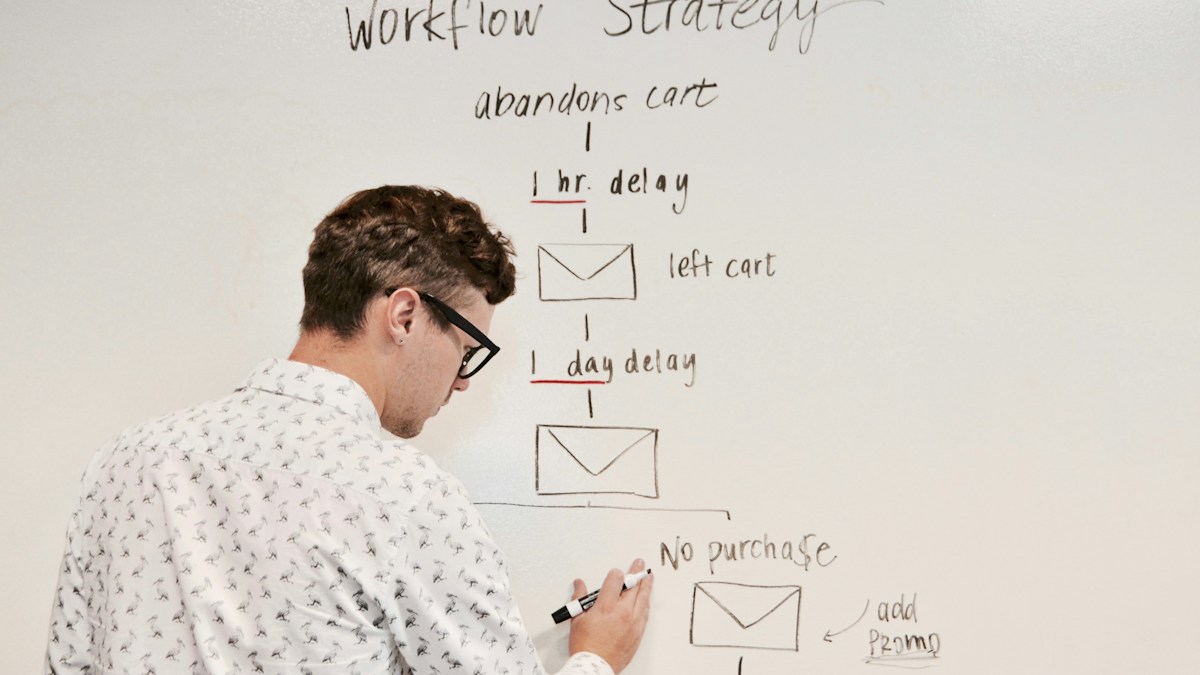
A real planning scene; illustrative photo, not campaign performance evidence. Photo: Campaign Creators / Unsplash
Digital Marketing में कौन-सा Campaign काम कर रहा है? UTM Guide
Digital Marketing & AdvertisingSocial posts और campaigns के results समझें। UTM naming, enquiries का record और छोटे business के लिए practical digital marketing review की Hindi-English guide।
On this page
Instagram पर post गई, WhatsApp पर offer भेजा और email भी चला दिया। Website पर कुछ visitors आए, लेकिन enquiry किस activity से बनी, यह साफ नहीं है। छोटे business में marketing की यह परेशानी आम है। केवल posts की संख्या बढ़ाने से पहले यह समझना उपयोगी है कि लोग कहाँ से आए और उसके बाद उन्होंने क्या किया।
Google Analytics की official guide में campaign links पर UTM parameters से source, medium और campaign की पहचान रखने का तरीका बताया गया है। इसके लिए अपनी website की relevant Analytics setup चाहिए। नीचे दिया workflow अपना record साफ रखने की practical exercise है; यह किसी campaign के सफल होने की guarantee नहीं।
पहले Result का मतलब तय करें
हर business के लिए अच्छी enquiry अलग हो सकती है। Salon में appointment की request, repair service में सही area का customer और online store में confirmed order उपयोगी result हो सकता है। पहले लिखें कि आप किस action को meaningful मानेंगे।
Like और website visit अपनी जगह जानकारी देते हैं, लेकिन उन्हें सीधे sales न कहें। कोई व्यक्ति दस बार page खोल सकता है और एक enquiry कर सकता है। अपने report में visits, enquiries और actual orders अलग रखने से numbers समझना आसान होता है।
UTM को Link का छोटा Label समझें
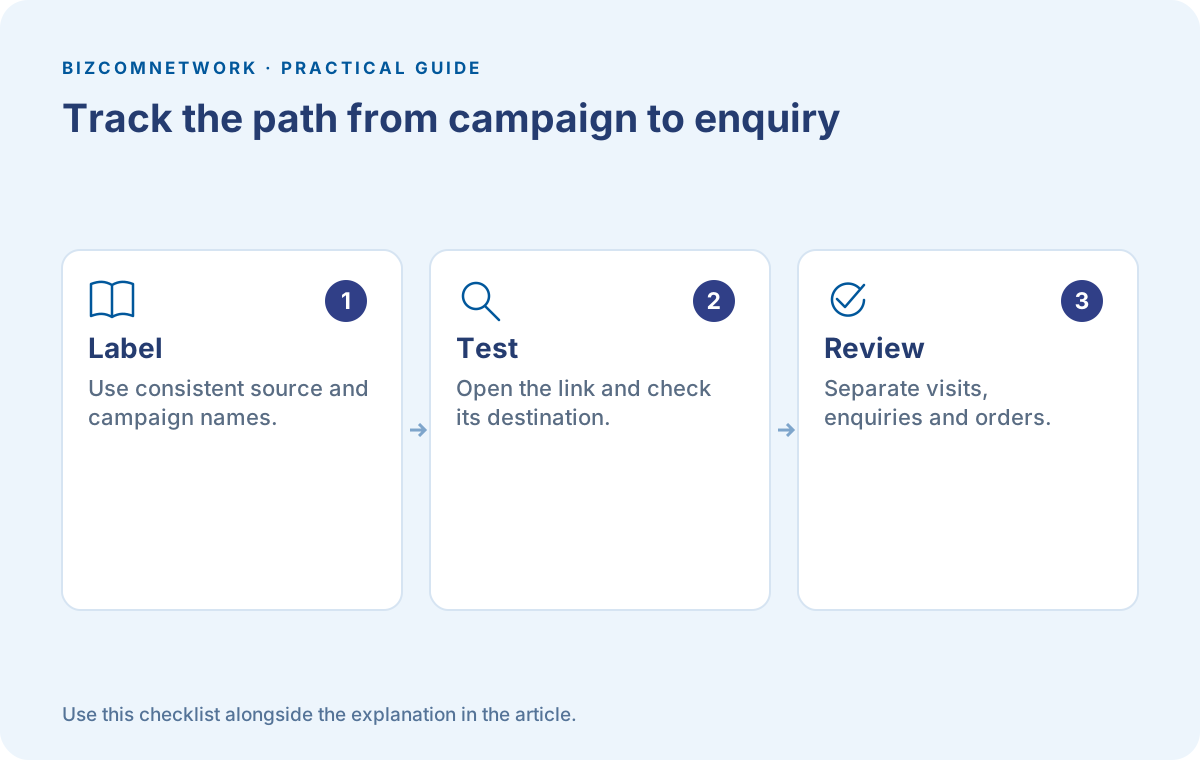
utm_source बताता है कि link किस source के लिए बनाया गया। utm_medium channel के प्रकार और utm_campaign campaign की पहचान रखने में मदद करता है। उदाहरण के लिए source में instagram, medium में social और campaign में festive_service लिख सकते हैं।
ये उदाहरण के नाम हैं। अपनी team के लिए spelling पहले तय करें और वही रखें। Instagram, insta और instagram तीन अलग names रखेंगे तो बाद में अपने ही records जोड़ने में समय लग सकता है। Naming साफ रखना tool चुनने से पहले का काम है।
एक Campaign के Links साथ रखें
छोटी sheet में destination page, source, medium, campaign name और post date लिखें। अलग creative compare करना हो तो उसके लिए consistent content label भी रखें। उस label में customer का नाम, mobile number या email डालने की जरूरत नहीं।
मान लीजिए cleaning service ने same offer के दो creatives बनाए। पहला kitchen cleaning दिखाता है, दूसरा booking process। Content names kitchen_demo और booking_steps जैसे रख सकते हैं। अब team को पता रहेगा कि कौन-सा link किस creative के लिए था।
Post करने से पहले Link खोलकर देखें
सही labels वाला link गलत page खोले तो tracking व्यवस्थित होने के बाद भी campaign का काम नहीं बनेगा। Mobile पर link खोलें। Relevant offer, area और contact का तरीका दिख रहा है या नहीं, देखें।
Short link या redirect इस्तेमाल किया है तो final destination जाँचें। अपने test visit का record सही जगह आया है या नहीं, उपलब्ध Analytics reports से देखें। हर browser या consent choice में समान measurement मिलने का अनुमान न लगाएं।
Enquiry की Quality का अलग Record रखें
Website तक आने का source समझना मदद करता है, लेकिन lead relevant थी या नहीं, यह business process से पता चलता है। Enquiry record में date, requested service, area और follow-up status जैसे जरूरी fields रखें। Personal details तक access जरूरत के अनुसार सीमित रखें।
दस enquiries में कितनी ऐसी थीं जिन्हें आप serve कर सकते थे? कितनी duplicate थीं? कितने लोगों को देर से जवाब मिला? ये सवाल कई बार ad creative बदलने से पहले service process सुधारने का रास्ता दिखाते हैं।
Report को सही Context में पढ़ें
एक दिन में दो enquiries और अगले दिन शून्य मिलने पर पूरे channel का निर्णय न लें। Offer, audience, business availability और response time साथ देखें। कम sample में बड़ा फर्क संयोग भी हो सकता है।
Spend का record हो तो cost per enquiry निकाल सकते हैं: उसी period का campaign खर्च relevant enquiries से divide करें। Duplicate cases के लिए अपना नियम साफ रखें। Enquiry cost कम होने का मतलब अपने आप profit ज्यादा होना नहीं है।
अगले Experiment में एक बदलाव करें
लोग page पर आते हैं लेकिन form पूरा नहीं करते तो पहले form और offer की clarity देखें। Relevant enquiries आती हैं पर response देर से जाता है तो follow-up सुधारें। हर समस्या का जवाब नया platform खोलना नहीं होता।
एक छोटा बदलाव चुनें और review की तारीख लिखें। उदाहरण के लिए अगली बार booking button की wording स्पष्ट करनी है। फिर meaningful results देखें। इस तरह marketing की चर्चा reach के screenshots से आगे वास्तविक customer journey तक पहुँचती है।
Frequently Asked Questions
क्या UTM लगाने से Sales बढ़ेंगी?
UTM measurement में मदद करता है। Sales पर offer, audience, website और service जैसे कई कारण असर डालते हैं।
क्या बिना Analytics Setup के पूरी Report मिलेगी?
नहीं। Labels और actions मापने के लिए relevant measurement setup चाहिए। अपनी link sheet फिर भी रख सकते हैं।
UTM में Customer की Details डालनी चाहिए?
नहीं। Source और campaign जैसे non-personal labels रखें; names, emails और phone numbers न जोड़ें।
Article at a glance
- Written by
- Neha Verma
- Published
- 17 Oct 2026
- Reading time
- 5 minutes
- Topic
- Digital Marketing & Advertising
Read More Blogs

SMM क्या है? छोटे Business के लिए 30 दिन का Social Media Plan
Social Media Marketing में सिर्फ posts नहीं, audience, offer, enquiry और measurement भी जरूरी हैं। Practical content calendar और review plan हिन्दी में समझें।
SMO क्या है? Social Media Profile से Customer को सही जानकारी कैसे दें
Social Media Optimization में bio, contact links, business details और useful posts कैसे सुधारें? छोटे brands के लिए practical profile audit पढ़ें।
Google Ads Search Campaign: Budget खर्च करने से पहले ये Checks करें
Google Ads में keywords, location, conversion tracking और average daily budget समझें। छोटे service business के लिए Search campaign की practical guide।
Be the first to share your thoughts.
Comments 0