
Delhi में Internet cafés: document work और account logout
Technology & SecurityDelhi के internet cafés की listings और उपलब्ध contact details देखें। document work और account logout के लिए जरूरी सवाल, scope और practical checklist पढ़ें।
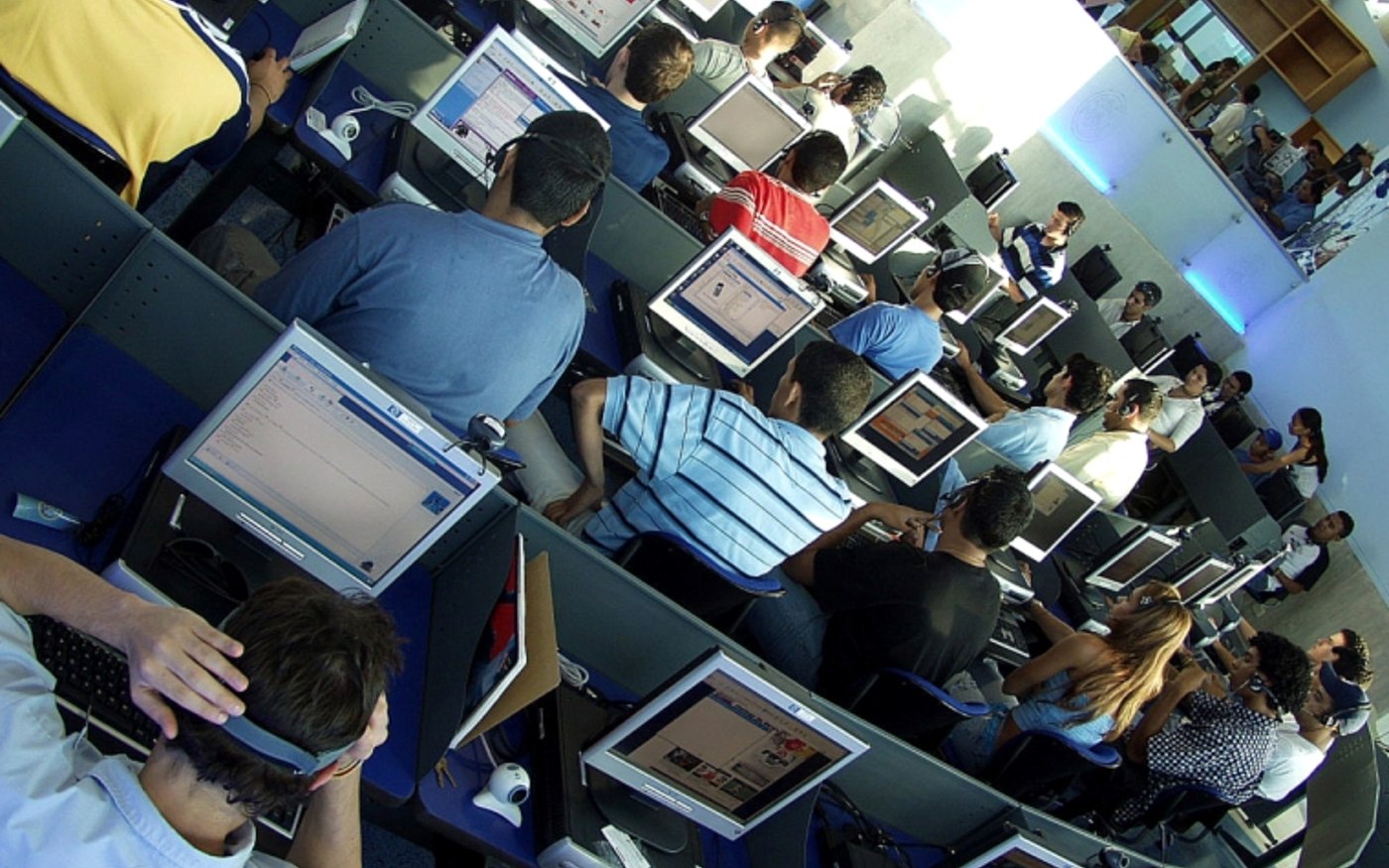
Representative photograph: Cafe internet uninorte.JPG. Cropped and resized. Not a photograph of, or an endorsement by, the listed local businesses. Photo: Centro de Producción Audiovisual. Oficina responsable del archivo fotográfico institucional. / Wikimedia Commons · CC BY-SA 3.0
On this page
Internet café में document form, printing या online work के लिए समय लेते समय account privacy की तैयारी भी जरूरी है। Shared computer पर अपना काम पूरा होने के बाद clean logout आपकी जिम्मेदारी का हिस्सा है।
Delhi में उपलब्ध internet cafés


यहाँ दिए businesses इसी city और service की directory entries से जुड़े हैं। मिलने या order देने से पहले branch, current availability तथा अपनी requirement सीधे confirm करें। यह independent quality ranking या हर business की credentials verification नहीं है।
काम का scope पहले बताएं
Typing, scanning, print size, file format और estimated pages की list रखें। Café से per-page, scan और computer-time charges पूछें। Official application की eligibility या approval café तय नहीं करता। अपने form की entries और uploaded files खुद verify करें; operator की मदद को सरकारी verification न मानें।
Shared computer पर account access
Password अपने सामने खुद डालें, save-password option पर ध्यान दें और काम के बाद सभी accounts से logout करें। Unnecessary document copies local folders या browser downloads में न छोड़ें। Sensitive financial work के लिए अपने trusted device और secure authorised channel को प्राथमिकता दें। किसी OTP को routine service charge की तरह साझा करने की जरूरत न मानें।
Print और submission record
Final preview में name, dates और document readability जाँचें। Submission हो तो official acknowledgement अपने सुरक्षित account या device में रखें। Café की receipt और official application receipt अलग documents हो सकते हैं। फाइल भेजने के लिए shared messaging account इस्तेमाल किया हो तो अपनी privacy के अनुसार copies हटाने की request करें।
Enquiry का record कैसे रखें?
Delhi में shortlist की गई दो या तीन entries से समान brief पर बात करें। Contact date, जवाब देने वाले व्यक्ति और agreed next step की छोटी note रखें। अधूरी जानकारी पर advance देने के बजाय लिखित clarification लें। उपलब्ध contact number न हो तो business के detail page पर जानकारी देखें; कोई number अनुमान से न जोड़ें।
Frequently Asked Questions
क्या café से form approval की guarantee मिलेगी?
Approval संबंधित authority के official process पर निर्भर है।
Charges कैसे पूछें?
Typing, scan, print और computer time अलग पूछें।
काम के बाद क्या करें?
Accounts logout करें और unwanted local document copies हटाएँ।
Article at a glance
- Written by
- Aarav Sharma
- Published
- 21 Nov 2026
- Reading time
- 3 minutes
- Topic
- Technology & Security
Read More Blogs

OSINT क्या है? Viral photo की तारीख और जगह जाँचने का आसान तरीका
OSINT में public information को संदर्भ के साथ जाँचा जाता है। Reverse image search, original upload और location clues से viral photo की जाँच शुरू करें।

नवंबर में Monsoon की चर्चा क्यों? Northeast और Southwest बारिश का फर्क
Southwest monsoon के बाद भी बारिश की खबरें क्यों आती हैं? Northeast monsoon season, local forecast और आज की warning को अलग पहचानें।
Delhi AQI: शहर का average और आपके इलाके की reading अलग क्यों दिखती है?
Delhi AQI देखते समय station, update time, pollutant और category साथ पढ़ें। अलग apps के numbers मिलाने से पहले यह आसान तरीका अपनाएँ।
Be the first to share your thoughts.
Comments 0