
Computer Stores in Indore: छोटे office के लिए laptop और desktop कैसे खरीदें?
Local Business GrowthIndore में office computers खरीदने से पहले configuration, software, invoice और setup की बात साफ करें। संबंधित stores के addresses और उपलब्ध contact numbers भी देखें।
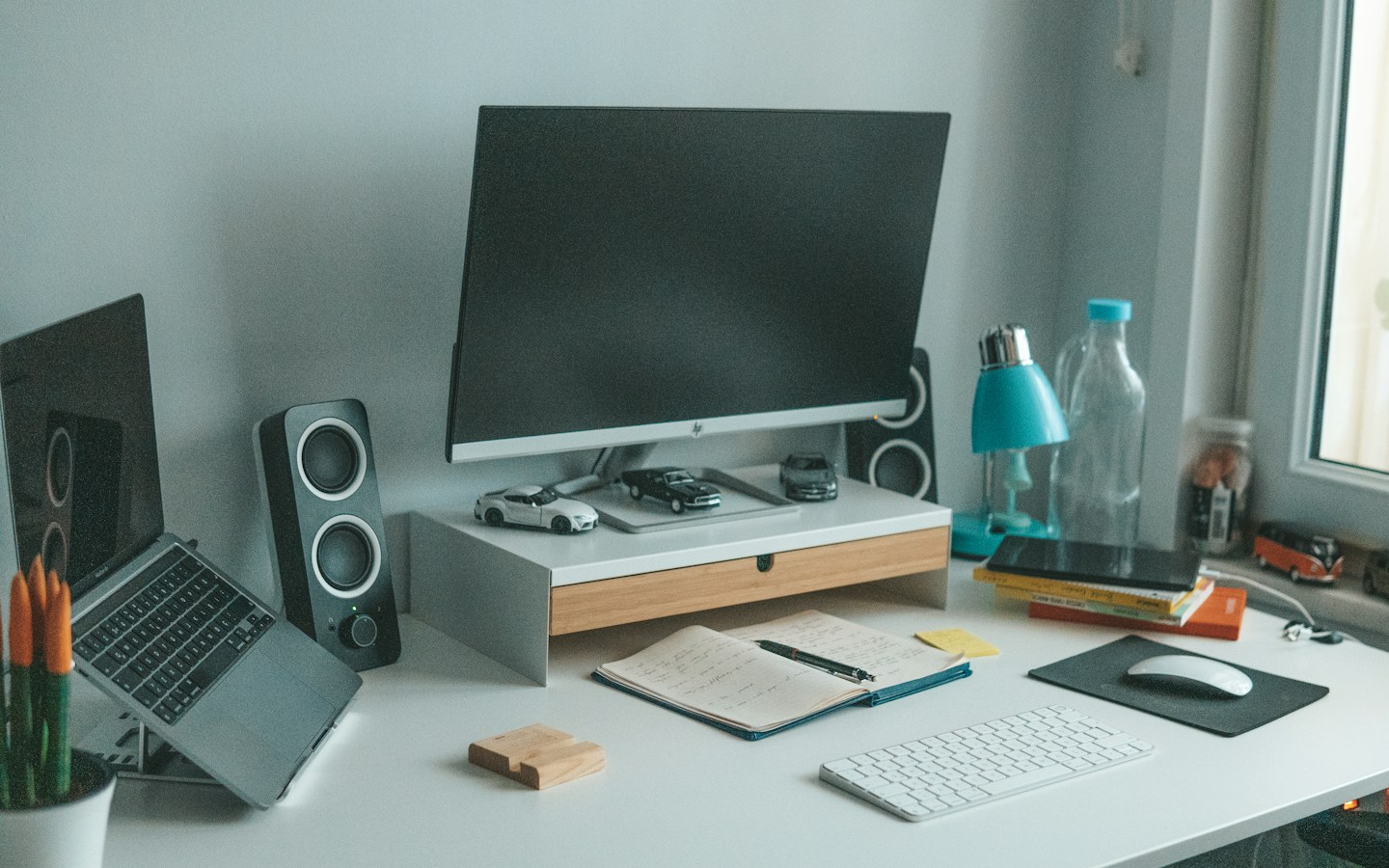
Representative computer workspace photograph; यह किसी listed Indore store की actual तस्वीर नहीं है. Photo: Mert Kahveci / Unsplash
On this page
छोटे office के लिए computer खरीदते समय सबसे महंगा model चुनना जरूरी नहीं होता। जरूरी यह है कि billing करने वाला कर्मचारी, accounts संभालने वाला व्यक्ति और design बनाने वाला साथी अपना काम बिना अनावश्यक अड़चन के कर पाएं। तीनों की जरूरत अलग हो सकती है, जबकि दुकान में दिखने वाले कई laptops पहली नजर में एक जैसे लगते हैं।
Indore के computer stores से बात करने से पहले अपनी खरीद का छोटा brief बना लें। इस लेख में संबंधित business listings और उपलब्ध contact numbers दिए हैं। किसी store में आपके चुने हुए brand, stock या installation service की उपलब्धता नीचे सूचीबद्ध होने भर से तय नहीं होती; वह बातचीत में confirm करें।
पहले मशीनों की संख्या नहीं, कामों की सूची बनाएं
मान लीजिए office में तीन लोगों के लिए computers चाहिए। पहला व्यक्ति billing और documents संभालता है, दूसरा कई spreadsheets के साथ काम करता है और तीसरा product creatives बनाता है। हर व्यक्ति के इस्तेमाल होने वाले software और रोज के काम लिखें। फिर dealer से उसी काम के अनुसार विकल्प मांगें।
अपने existing printer, scanner, barcode device या दूसरे जरूरी equipment का model भी note करें। नया computer खरीदने के बाद पता चले कि जरूरी device connect करने की व्यवस्था अलग चाहिए, तो budget और setup दोनों बदल सकते हैं। जरूरत की list quotation से पहले देना इसी परेशानी को कम करने का तरीका है।
Indore के computer stores और contact details
Computer Shoppe Indore
Computer Store · Indore
Plot No 61, C21 Mall, AB Rd, Scheme 54 PU4, Indore, Madhya Pradesh 452010
Contact: 080 4278 1735

Pacific System & Services
Computer Store · Indore
12, Sapna Sangeeta Rd, near Lotus store, Snehnagar, Indore, Madhya Pradesh 452001
Contact: 094253 17980

Royal IT Solution
Computer Store · Indore
Shukhmani apartment, 5th vishnupuri, Mumbai - Agra Rd, Vishnu Puri Main, Vishnu Puri Colony, Indore, Madhya Pradesh 4520
Contact: 098260 23288

GS Computer & Network Services
Computer Store · Indore
31 Patel Bagh, Medanta Road Scheme 54, Rasoma Square, Vijaynagar, AB Road, MR 10 Rd, near Radisson Square, Indore, Madhy
Contact: 097136 81143

Furtherance Technotree Private Limited
Computer Store · Indore
UG-13, Silver Mall, A -Block, RNT Marg, Indore, Madhya Pradesh 452001
Contact: 092001 11400

Manish Agencies
Computer Store · Indore
Block A, Silver Mall, UG-5, 8-A, RNT Marg, Indore, Madhya Pradesh 452001
Contact: 0731 252 4419

Computer Mechanic
Computer Store · Indore
Sitaram Park, 59, Airport Road, Anjani Nagar, Shikshak Nagar, Indore, Madhya Pradesh 452002
Contact: 089595 00731

Asati Infotech
Computer Store · Indore
LB-21, Block - B, Silver Mall, 8-A, RNT Marg, South Tukoganj, Indore, Madhya Pradesh 452001
Contact: 0731 421 3051

Computer cafe
Computer Store · Indore
No UG3, Silver Mall, RNT Marg, Block-A, South Tukoganj, Indore, Madhya Pradesh 452001
Contact: 082914 39825

Adwita Infotech ( AI )
Computer Store · Indore
52, Pipliya Rao Ring Rd, Indrapuri Colony, Bhanwar Kuwa, Indore, Madhya Pradesh 452001
Contact: 094250 62471
कॉल करते समय साफ बताएं कि single computer चाहिए या कई machines की purchase है। मिलने का समय, exact model का demo और written quotation उपलब्ध है या नहीं, पहले पूछ लें। खरीद की अंतिम बातचीत से पहले business details और address दोबारा मिलाएं।
पूरा model code लिखवाएं
“Same series का laptop” हर बार same configuration नहीं होता। Quotation में exact model या part number, processor का पूरा नाम, memory, storage और operating system की जानकारी लिखवाएं। Desktop assemble करवाना हो तो अलग components के model भी quote में दर्ज हों।
दो दुकानों की कीमत में फर्क दिखे तो पहले इन entries का मिलान करें। किसी quote में monitor या keyboard शामिल है और दूसरे में नहीं, तो total amount को सीधे compare करना सही तस्वीर नहीं देगा। अलग-अलग configuration के बीच price difference को discount मान लेने से बचें।
Demo में अपने काम का छोटा उदाहरण चलवाएं
सिर्फ wallpaper या promotional video देखकर फैसला करने के बजाय पूछें कि अपने जरूरी workflow का demo मिल सकता है या नहीं। कोई sample spreadsheet, सामान्य document या non-confidential test file इस्तेमाल कर सकते हैं। Demo के लिए वास्तविक customer data देने की जरूरत नहीं है।
Screen पढ़ने की सुविधा, keyboard, जरूरी ports और desk पर रखने की जगह भी देखें। Laptop लेना है तो उपयोग करने वाला व्यक्ति खुद बैठकर अनुभव करे। Brand name या specification sheet से रोज के इस्तेमाल के सारे सवालों का जवाब नहीं मिलता।
Software और installation अलग से स्पष्ट करें
खरीद में कौन-सा software licence शामिल है, किसके नाम पर होगा और subscription की कोई recurring cost है या नहीं, पूछें। केवल “सब software डाल देंगे” कह देने से terms स्पष्ट नहीं हो जातीं। Office के लिए जरूरी application की requirements संबंधित software provider से मिलाएं।
Installation के दौरान primary account, recovery details और जरूरी documents आपके business के नियंत्रण में रहें। Dealer से setup करवाते समय personal email का password किसी shared note में लिखकर देने के बजाय account बनाने की प्रक्रिया अपने सामने पूरी करें। जरूरी records सुरक्षित जगह संभालें।
एक साथ कई machines खरीद रहे हैं तो delivery plan बनाएं
नई machines आने और पुराने काम बंद होने के बीच का समय तय करें। किस desk पर कौन-सा computer जाएगा, printer कौन connect करेगा और files कौन transfer करेगा—इन जिम्मेदारियों को पहले लिख लें। Office का busy दिन ही पूरा setup बदलने के लिए चुनना जरूरी नहीं।
Delivery पर quantity और serial numbers invoice से मिलाएं। Quotation में promised accessories की checklist साथ रखें। Packaging फेंकने से पहले मिले हुए सामान का record बना लें और किसी mismatch की जानकारी seller को लिखित में दें।
Warranty और after-sales का रास्ता जानें
पूछें कि किसी issue पर store से संपर्क करना है, brand service से या किसी अलग service provider से। Onsite support कहा जा रहा है तो उसकी conditions और area coverage समझें। Verbal assurance को बाकी लिखित documents के साथ स्पष्ट करवाना बेहतर होगा।
अपने office की एक छोटी asset sheet बना सकते हैं: computer का model, serial number, invoice date, user और support contact। आगे upgrade या repair की जरूरत पड़े तो पूरी purchase कहानी दोबारा याद करने की जगह यही record मदद करेगा।
Frequently Asked Questions
क्या office के सभी computers एक ही model के होने चाहिए?
अपने काम और support की सुविधा को आधार बनाएं। अलग जरूरतों वाले कर्मचारियों के लिए विकल्प अलग हो सकते हैं; quote में फर्क स्पष्ट रखें।
क्या सबसे कम quote वाला store चुन लेना चाहिए?
पहले configuration, software, accessories, installation और support terms मिलाएं। केवल total amount से पूरा comparison नहीं बनता।
क्या नीचे दिए stores पर हर model उपलब्ध होगा?
Stock और demo की जानकारी संबंधित store से सीधे लें। Listings को current inventory की guarantee न मानें।
Article at a glance
- Written by
- Rohan Mehta
- Published
- 03 Nov 2026
- Reading time
- 5 minutes
- Topic
- Local Business Growth
Read More Blogs

Beauty Parlours in Delhi: appointment, service और final bill कैसे तय करें?
Delhi में beauty parlour या salon booking से पहले service, appointment time, inclusions और final charges साफ करें। Listings और उपलब्ध contact numbers भी देखें।
Wikipedia पर Business Page या Profile कैसे बनाएं? Account, notability और draft का फर्क
Wikipedia पर company article बनाना social-media profile से अलग है। Notability, independent sources, conflict of interest और draft review का सही workflow समझें।
Indore में Musical Instrument Repair: guitar या keyboard देने से पहले क्या पूछें?
Indore की instrument repair listings और उपलब्ध contact numbers देखें। Problem note, inspection estimate, replacement parts और pickup पर testing की practical checklist।
Be the first to share your thoughts.
Comments 0